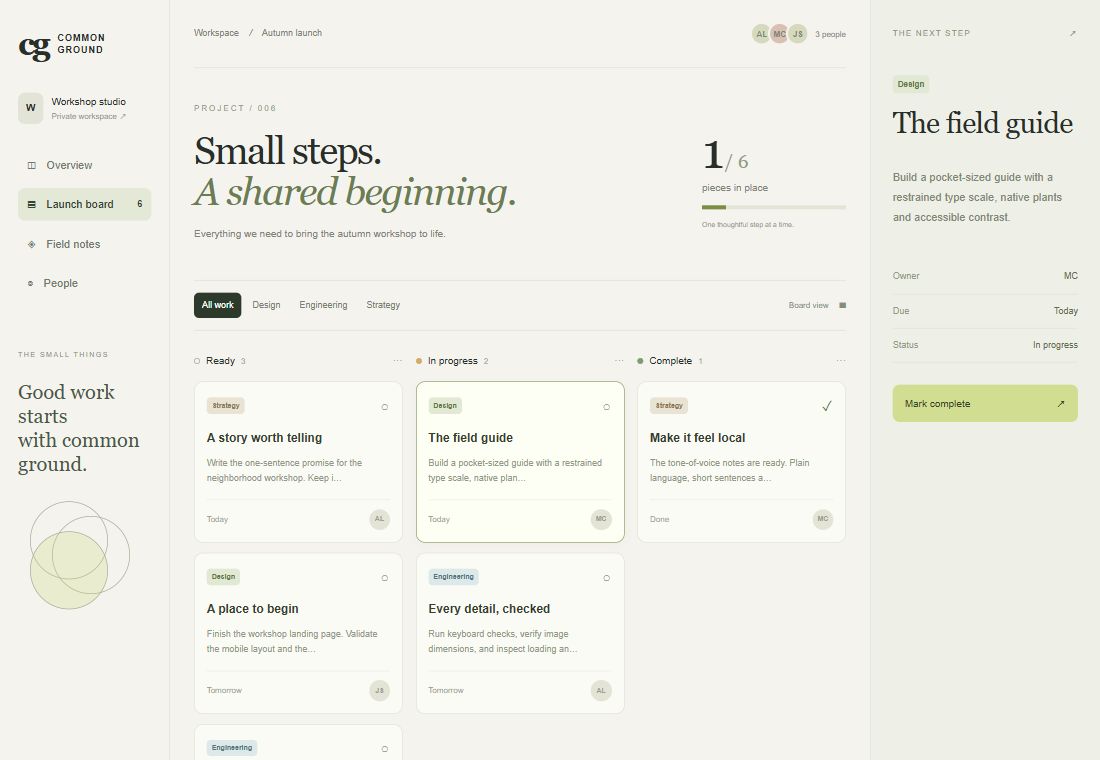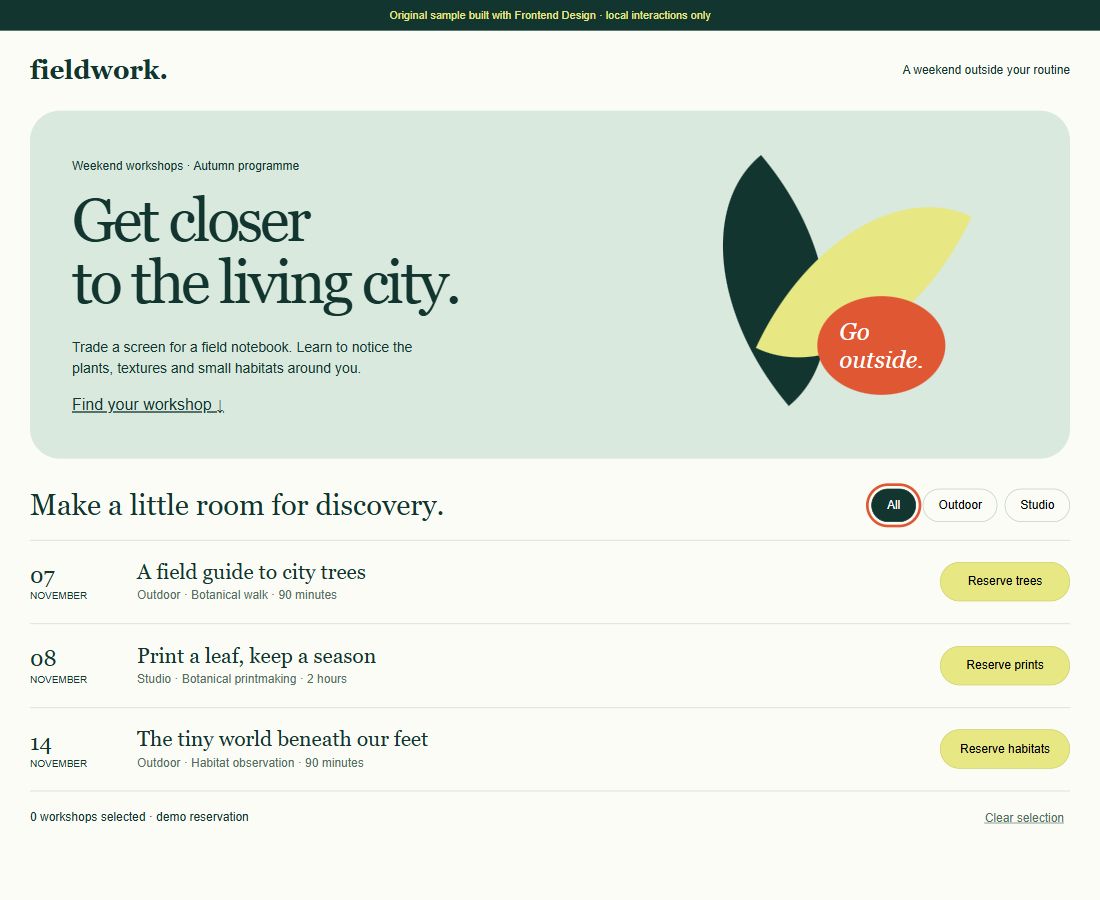
Interface code + design rationale
 中文
Discover what agents can do. Explore the source, understand the instructions, and find a skill for your next task.
Browse the directory ↗EDITOR'S PICKS
Selected for a specific job, a clear source and documented steps. Not ranked by popularity.
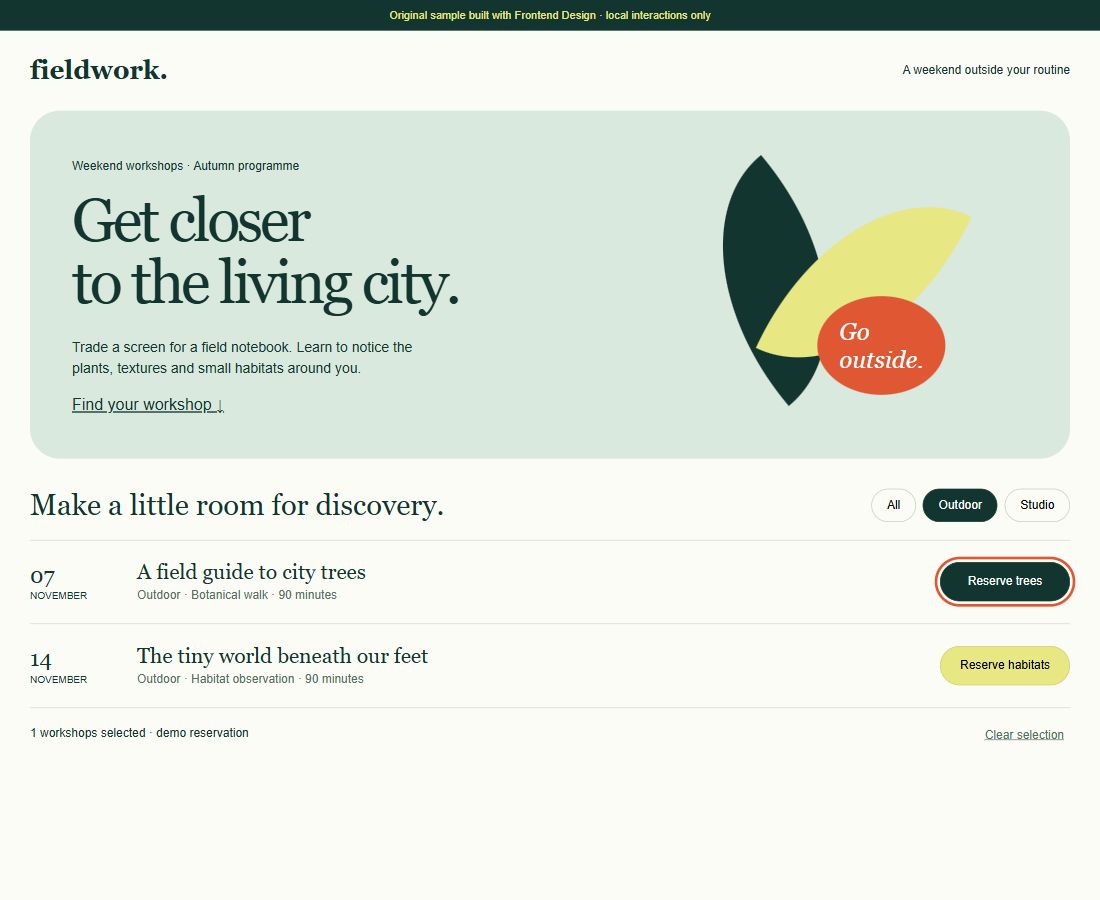
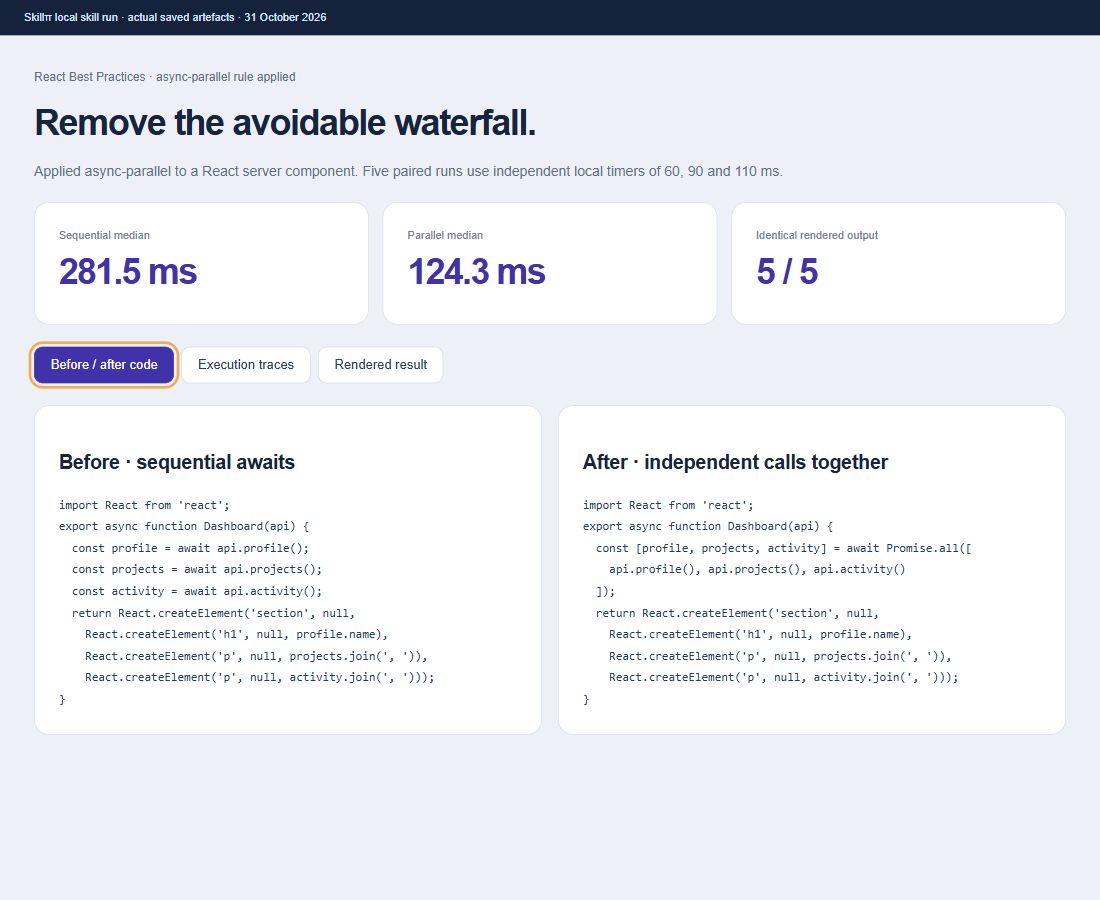
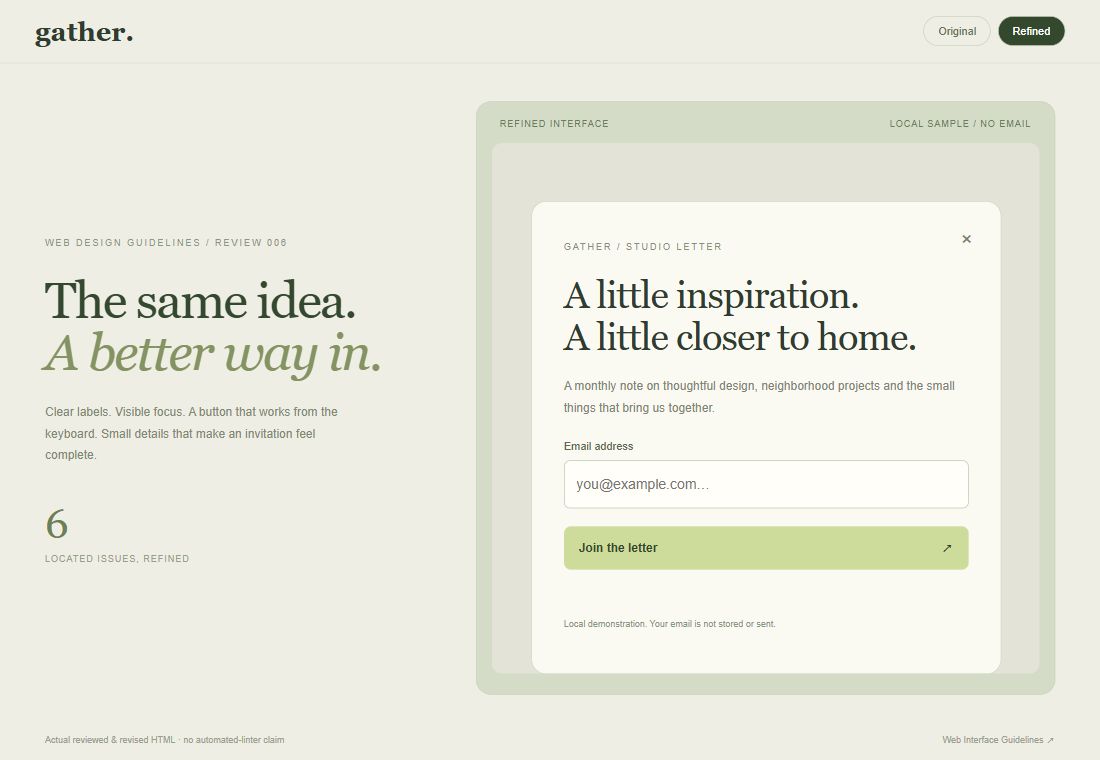
From the first interface to browser checks and better code.
Explore data, sharpen your writing and organize research.
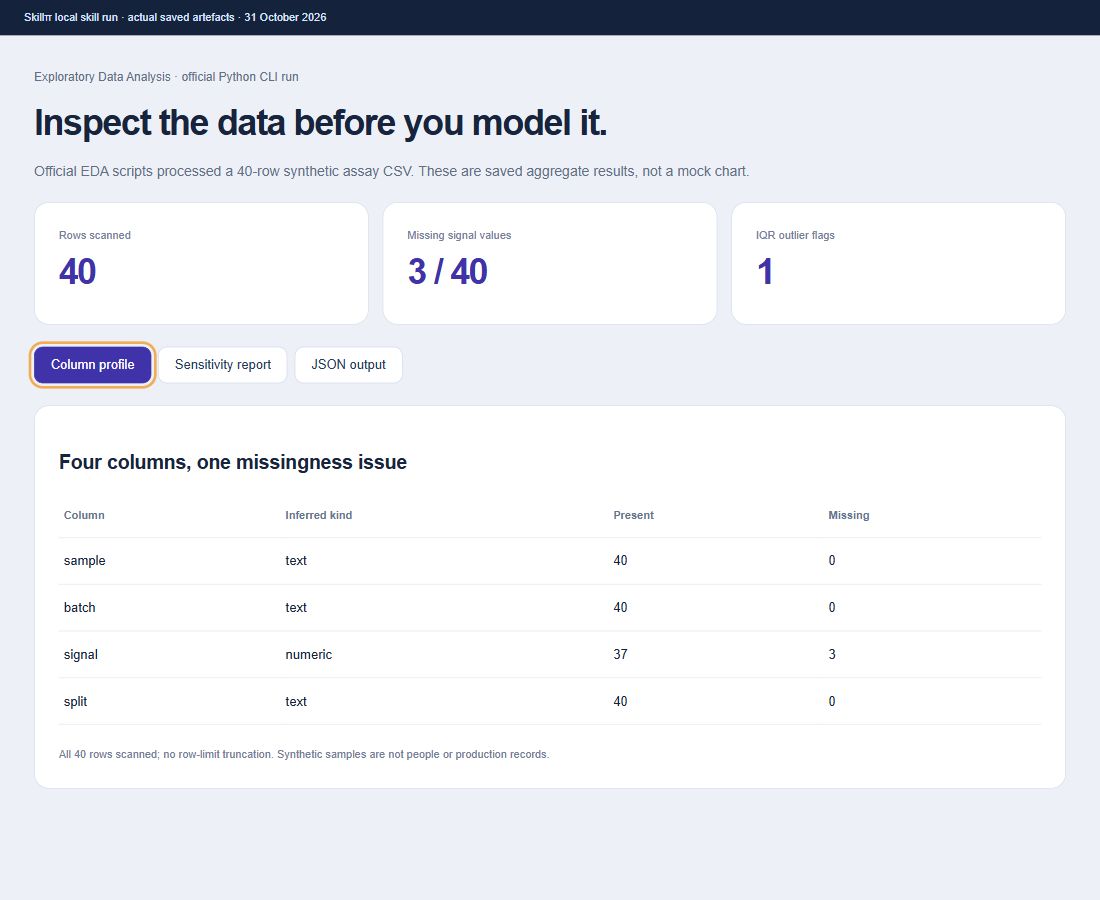
Exploratory analysis report
No connected Notion tools or test workspace. Left unfinished as requested; no synthetic report substitutes for a real Notion run.
Research brief + citations
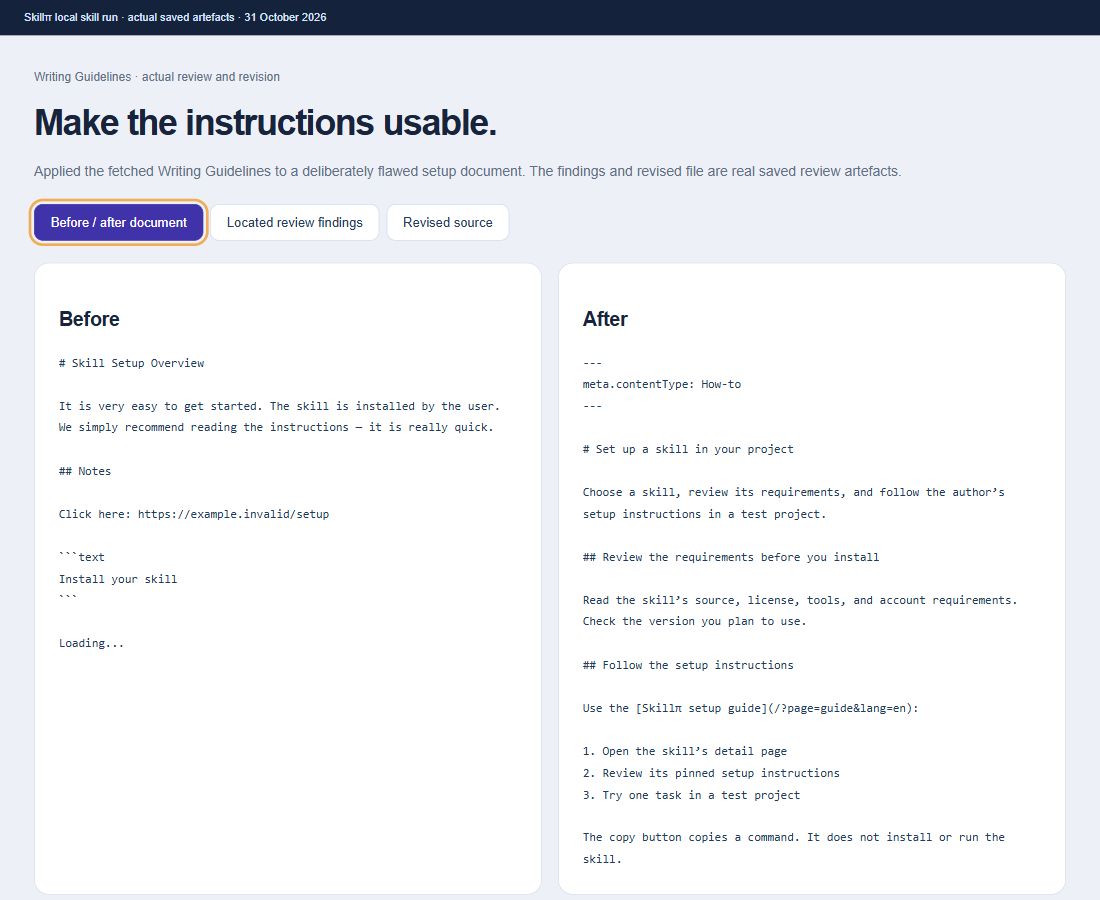
Writing review + file references
No connected Notion workspace. No simulated knowledge page or video is substituted for an actual Notion run.
Structured knowledge pages
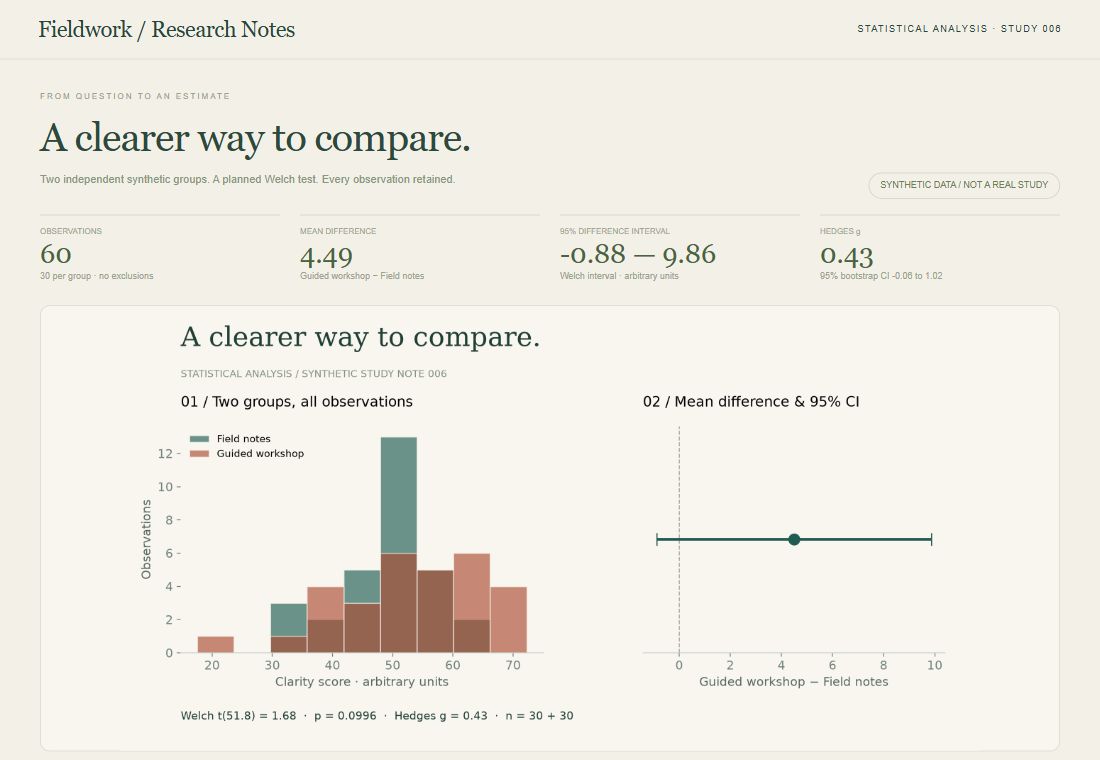
A reproducible statistical analysis
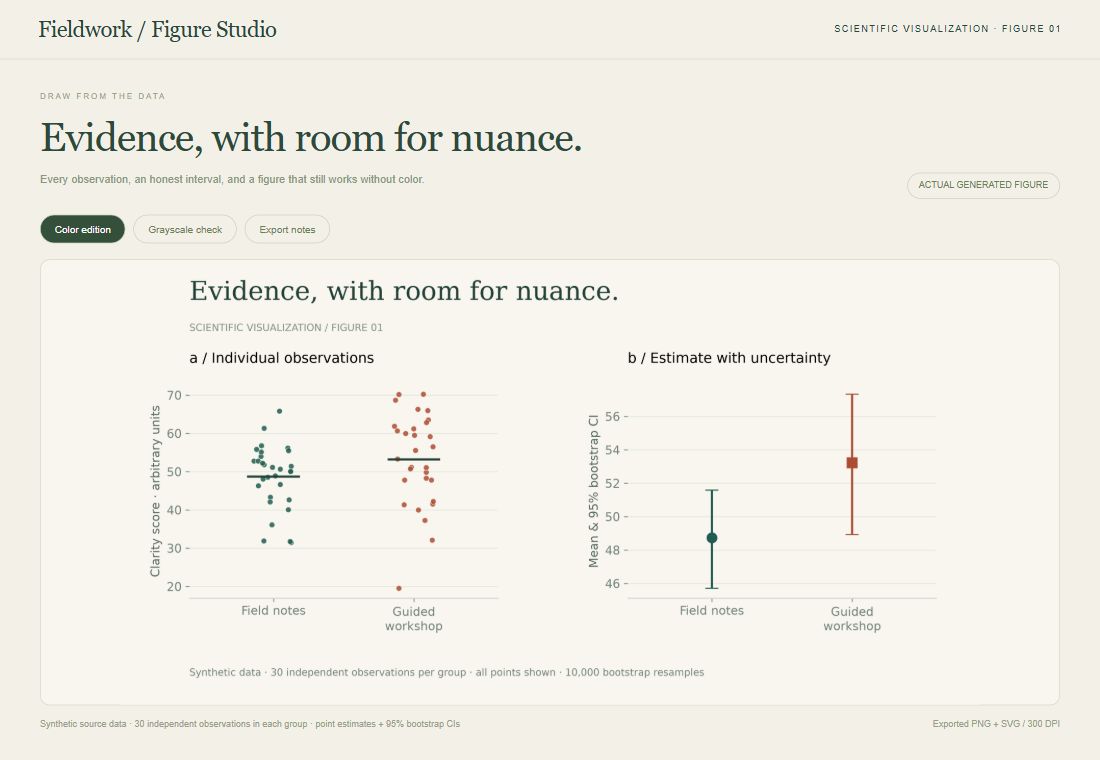
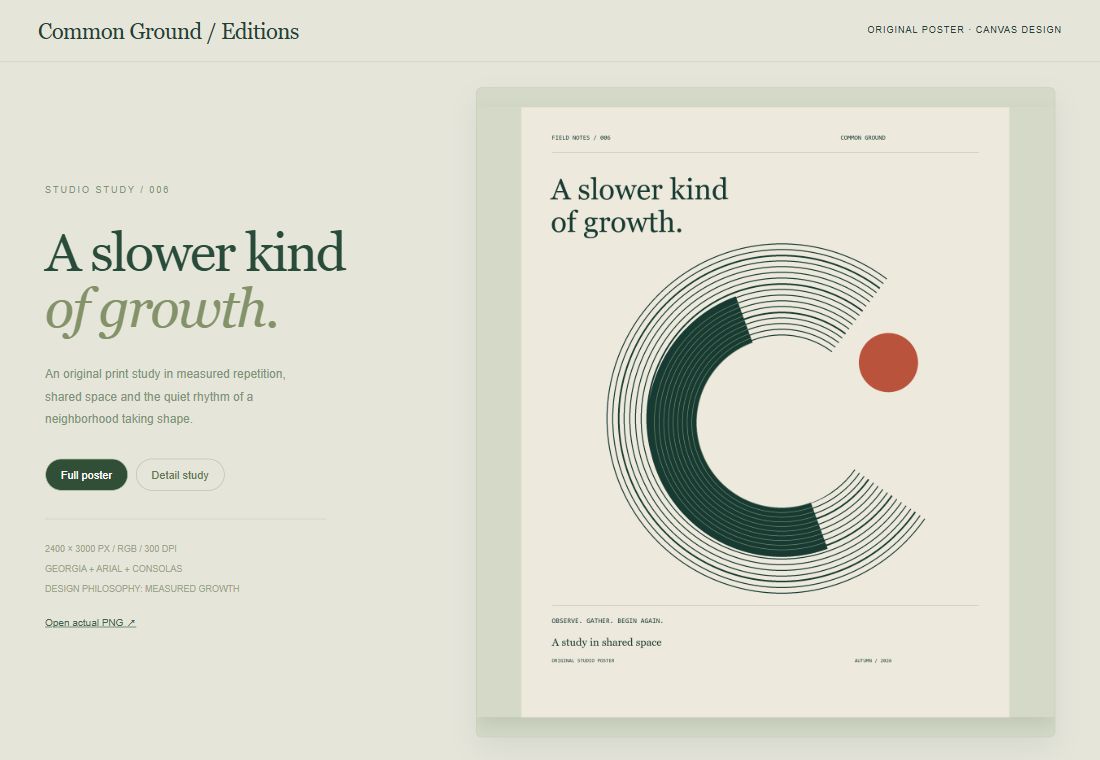
Scientific figures and a visual audit
Choose your agent, check the requirements, then follow the original setup instructions.
Start with Codex or Claude Code. Check the tools, accounts and access a skill needs.
Review the pinned version and installation steps. Notion skills need a connected plugin.
Use a small task in an isolated project. Review the output before giving it more access.
A source check answers a different question from a scan or a runtime test.
For these picks, the original file, pinned commit and license evidence have been reviewed.
These editorial records have no scan report attached. Treat that status as unknown.
10 isolated samples have recorded outputs; each card states its scope. Both Notion skills remain incomplete. These samples do not certify general compatibility or safety.
Paste this into Codex or Claude Code. Start with your project, find a useful skill, and check what it needs.
Read https://skillpi.com/?page=guide&lang=en and recommend a useful skill for my project. Review its source, requirements and setup steps, then explain the installation plan.