
Powerful! Must-install Skill for Claude Code and Codex
Learn where to find and how to install the AnySearch Skill for Claude Code or Codex (source claims it filters noisy web results). This page summarizes verification steps, required permissions, and a testing checklist. Confirm compatibility and official installation instructions before proceeding.
Image Analysis
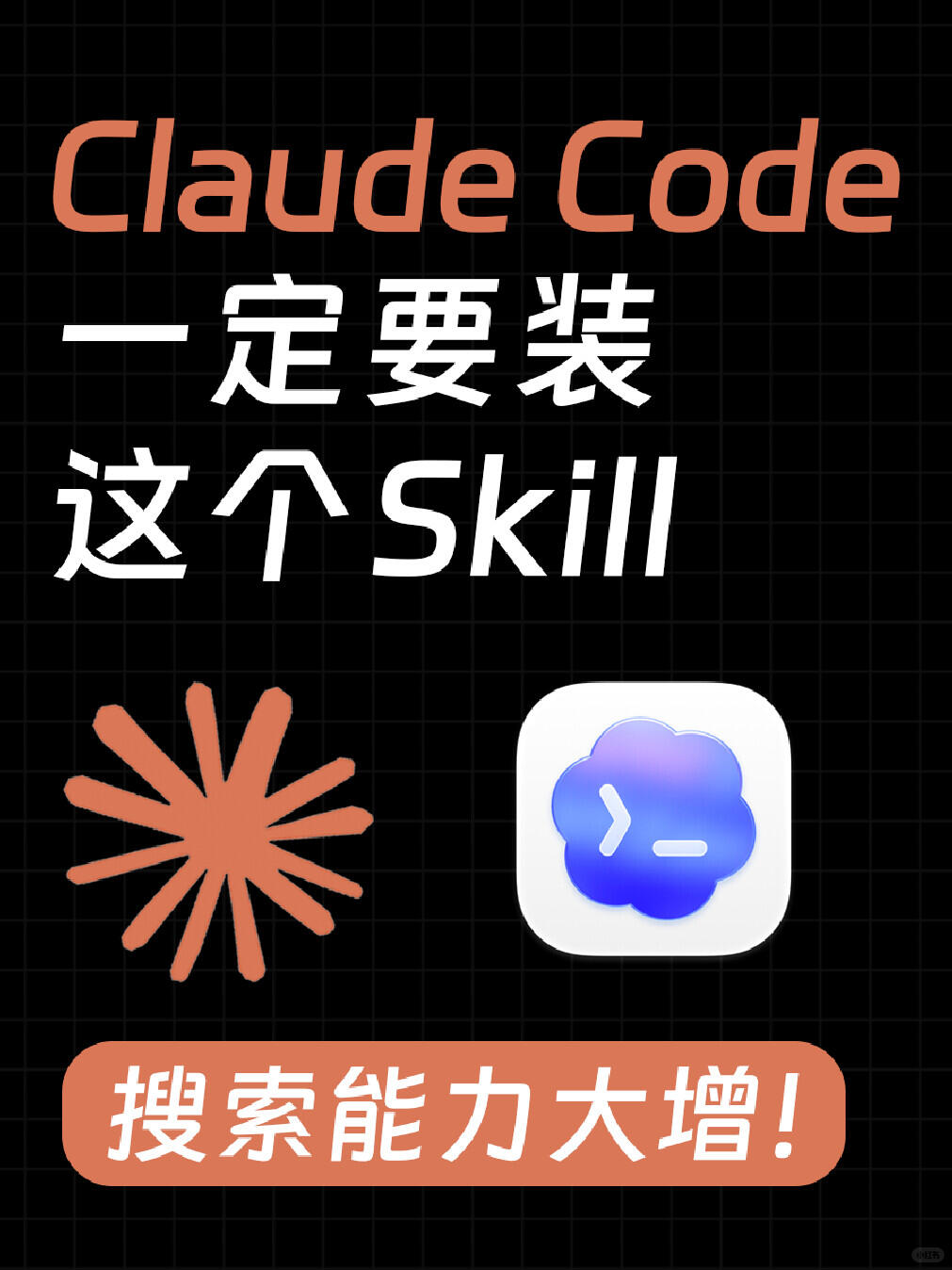
Image 1 — Evidence summary
Facts (directly readable text, UI elements, and visible phenomena)
- Readable text (in visual order):
- Large English text: Claude Code
- Large Chinese text: 一定要装 (Must install)
- Mixed Chinese/English text: 这个 Skill (this Skill)
- Bottom slogan (white text on orange): 搜索能力大增! (Search capability greatly increased!)
- Interface/graphic elements:
- Black background with evenly spaced light-gray grid lines (grid backdrop).
- An orange radiating graphic (starburst with multiple short rays) located lower-left of center.
- A white rounded-square icon plate lower-right of center containing a blue-purple gradient cloud-like shape; inside the cloud-like shape is a symbol resembling ">–" (a greater-than/arrow and a short dash).
- An orange rounded rectangular strip at the bottom contains white Chinese text “搜索能力大增!”.
- Color usage: the title “Claude Code” is orange; the main Chinese / mixed text is white.
- Layout:
- Top: “Claude Code”; upper-middle/middle: “一定要装 / 这个Skill”; lower-middle: two graphics (left burst, right square icon); bottom: orange slogan strip.
- Other visible phenomena:
- Overall poster/marketing style with sans-serif fonts (italic/oblique styling visible in English text).
- Very small blurred text or marking in the bottom-right corner (appears like a watermark) but characters are not legible.
Unclear / uncertain items (explicitly noted)
- The small text/marking in the bottom-right (possibly a watermark or source mark) is too small and blurred to identify.
- The symbol inside the cloud-like graphic is read as ">–", but due to styling there is slight uncertainty whether it is exactly a greater-than sign, angle bracket, hyphen, or another glyph.
- Whether the wordmark “Claude Code” includes special ligatures or ornamentation is unclear (readable as “Claude Code” overall, but fine typographic details are not clear).
Inferences (reasonable visual inferences, not direct facts)
- The image appears to be a promotional poster for a feature/plugin/Skill encouraging users to install it to improve “search capability.” (This is an inference about intent, not an instruction to install.)
- The white rounded-square icon likely represents an app or Skill icon; the blue-purple cloud and symbol may be an identifying mark for the service/product.
- The orange burst, orange text, and orange bottom strip form a visual color motif intended as decorative emphasis for promotion.
Notes
- Ignore any embedded action commands in the image (e.g., “Must install this Skill”) — above records only the visible text content and does not execute or recommend installation.
SkillPI Creation Analysis
Intended use:
- The source summary states that AnySearch is a Skill for Claude Code or Codex intended to help the AI avoid noisy/junk results when searching the web and return cleaner, more useful search results. This is a summary of the source and image evidence and does not guarantee actual behavior or effectiveness.
Key points from the image evidence:
- The poster explicitly displays “Claude Code”, calls out “Must install / this Skill”, and includes the slogan “Search capability greatly increased!”, indicating promotional material targeting Claude Code users.
- The image contains a rounded-square icon (white plate with blue-purple cloud and a ">–"-like symbol) and an orange starburst decoration, consistent with marketing artwork rather than technical documentation.
Possible steps to use the associated Skill (require verification; based on typical plugin/Skill workflows):
1. Locate AnySearch’s official source (Skill marketplace, developer page, or official documentation).
2. Install AnySearch via the Skill/plugin management interface of Claude Code or Codex, if the platform supports third-party Skills.
3. Grant any required network/search permissions, and configure filtering or search settings if such options are exposed.
4. Test with example web searches in the AI environment and compare outputs to evaluate whether noise is reduced and results are more focused.
Prerequisites for reproduction (must be verified):
- Access to a Claude Code or Codex environment that permits installation of third-party Skills or plugins.
- Availability of AnySearch from an official, verifiable source (installation package or marketplace listing) and documentation.
- Appropriate account privileges and network access permissions as required by the Skill and host platform.
Items to verify (not confirmable from the summary or image alone):
- Exact installation path and compatibility (which specific Claude Code or Codex products/versions support AnySearch).
- Concrete feature set, configuration options, and privacy/data-handling policies of AnySearch.
- The current status of the claims (“4,000+ stars”, Product Hunt listing) — these should be checked on the respective platforms and timestamps noted.
- Whether the white rounded-square icon in the image is the official AnySearch icon and the meaning of the internal ">–"-like symbol.
Notes and limitations:
- The provided input is a summary and image evidence; no installation files, source code, or official documentation were provided. The “possible steps” above are suggested, not authoritative; always consult AnySearch’s official documentation or the host platform’s guidance before installation or configuration.