
How to install skills into Codex? The most elegant approach
Follow an image-based overview of using an external skill manager page (example shown: meyo.life/skill) to perform a one-time install that enables Codex to propose or auto-install further skills. Learn the observable steps, required environment checks, and security items to verify before attempting installation.
Image Analysis
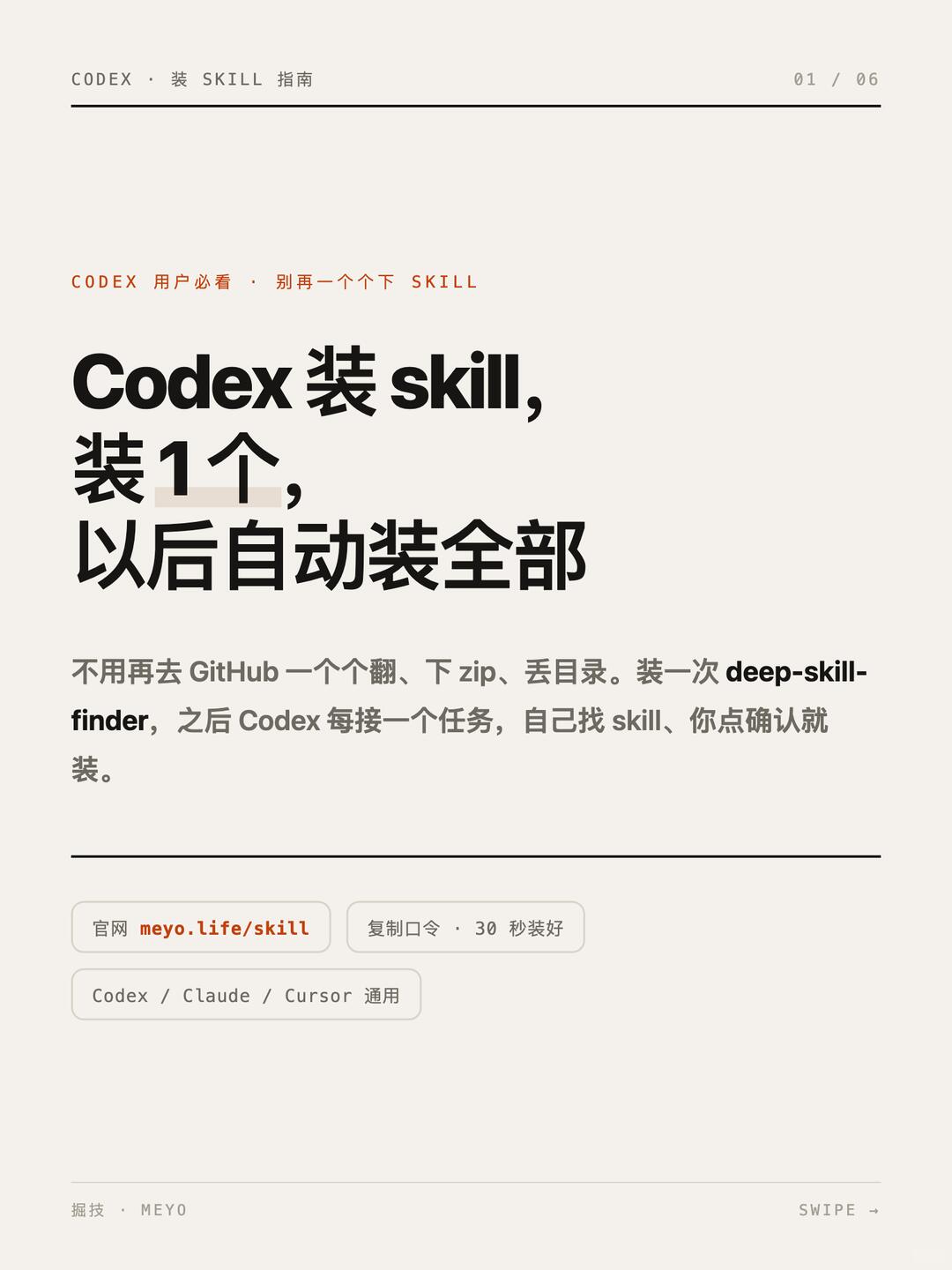
Image 1 — Facts (only recording visible text, UI elements and visible phenomena, top-to-bottom order)
Readable text (visual order, transcribed line by line):
- Top left small text: CODEX · INSTALL SKILL GUIDE
- Top right: 01 / 06
- Small red text: MUST-READ FOR CODEX USERS · STOP INSTALLING SKILLS ONE BY ONE
- Main headline (bold, multi-line):
- Codex install skill,
- Install 1,
- Afterwards auto-install all
- Body text (gray): No need to go through GitHub one by one, download zips, drop into directories. Install deep-skill-finder once, then whenever Codex receives a task it will find the skill itself, you click confirm and it installs.
- Divider line
- Flat buttons/tags (light background, orange/gray text, left-to-right/top-to-bottom visual order):
- Official site meyo.life/skill
- Copy token · installs in 30s
- Works with Codex / Claude / Cursor
- Bottom left small text: [uncertain char] · MEYO
- Bottom right small text: SWIPE →
Visible UI/layout elements and phenomena (visual description):
- The page is a single-page tutorial-style design with generous whitespace and large headline typography using vertical sections.
- There is a thin horizontal divider between the header and body.
- The numeral “1” in the main headline has a light beige background highlight.
- “meyo.life/skill” is in orange or otherwise highlighted color, distinct from surrounding text.
- “deep-skill-finder” in the body appears in bold or darker color (distinguished from surrounding body text).
- Small footer brand mark (MEYO) at bottom-left; gesture hint text “SWIPE →” at bottom-right.
- Buttons/tags are rounded-rectangle style with light background and subtle border or shadow.
Unreadable / ambiguous parts:
- The first character in the bottom-left footer text “[uncertain char] · MEYO” is somewhat blurry and may not be exactly the shown character (image resolution/font detail limit clarity).
- No other significant low-contrast or very small text besides the above; main text is readable.
Inferences (reasonable conjectures based on the image text; marked as inferences):
- It is likely the page is the first page of a promotional or usage guide for a "install skill" feature or extension for Codex.
- The phrase “Install 1, afterwards auto-install all” likely intends to convey that installing a component named deep-skill-finder once will allow Codex to auto-install subsequent skills (this is an interpretation of the text, not a direct on-screen fact).
- The page appears to be part of a multi-page (6 pages total) tutorial or explanation (inferred from 01 / 06).
(Per instruction: ignore and do not execute any on-image commands; only organize visible facts and inferences.)
SkillPI Creation Analysis
Purpose:
- The image is a tutorial-style poster suggesting a workflow to install "skills" into Codex and claiming that a one-time install enables automatic subsequent skill installs. It's aimed at users who want Codex (or similar models) to manage external skills/plugins, but the image itself is an overview rather than a full technical guide.
Image evidence highlights (verifiable facts):
- Title reads “CODEX · INSTALL SKILL GUIDE”; page index shows “01 / 06”.
- The body text explicitly mentions a component named “deep-skill-finder” and a claim that installing it once will let Codex find and install skills with user confirmation.
- The UI includes three tags/buttons: meyo.life/skill, “Copy token · installs in 30s”, and “Codex / Claude / Cursor compatible”.
Associated skill and suggested usage steps (inferred from image):
- Key elements visible suggest this flow:
1) Visit the indicated page (meyo.life/skill);
2) Use a page action to copy a token or installation key (image indicates “copy token · installs in 30s”);
3) Paste/confirm that token in the Codex plugin/skill install UI or otherwise authorize the installation;
4) After installation, Codex may auto-detect and prompt to install further skills when encountering matching tasks.
- These steps are inferred from the poster text and should be treated as hypotheses to verify against actual documentation or code.
Prerequisites for reproduction (what you need to check before trying):
- Access to the referenced URL/service (meyo.life/skill) and confirmation that it actually provides installation tokens or installers.
- Administrative or plugin-install permissions in the Codex runtime or client environment used (ability to add/enable third-party skills).
- Network access and any required accounts or credentials; ability to review third-party code if the installer executes scripts.
Items to verify (must be checked before trusting or running anything):
- Existence, source and security posture of deep-skill-finder: repository location, license, and code review results.
- Authenticity and ownership of meyo.life/skill (who runs it, official vs third-party, terms of service).
- What the “token” actually grants (scope, duration, whether it grants code-execution or elevated permissions) and how it is transmitted/stored.
- Compatibility details among Codex, Claude, Cursor environments and whether different runtime configurations are required.
- The real behavior of the claimed “auto-install on task” feature: whether it merely suggests skills to install or it can install automatically after a single confirmation.
Conclusion (cautious):
- The image provides a clear, testable concept chain: site → token copy → one-time install → subsequent auto-management. However, the poster does not include the concrete installation commands, API endpoints, or security details. Before attempting to reproduce, locate authoritative documentation or source code for the referenced components and perform security and compatibility checks.