
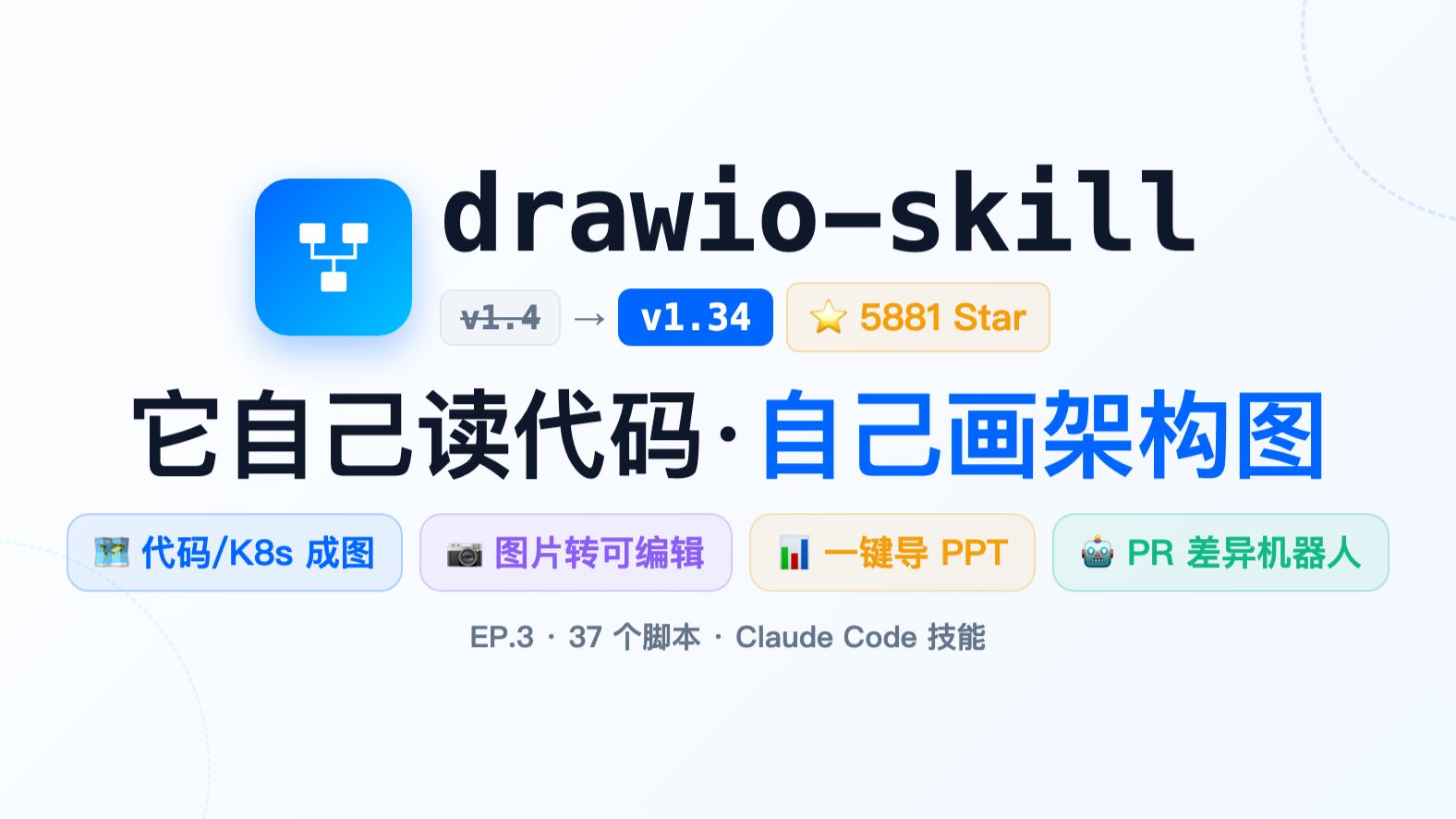
[5.9K Star Tool drawio-skill] Major Upgrade — More Professional, More Complete, Better
Learn how to use drawio-skill to parse code (Python/JS/Go/Rust), Terraform/Kubernetes/docker-compose and runtime outputs (docker inspect, kubectl) to automatically produce editable .drawio diagrams; convert photos/PNGs to .drawio, detect architecture drift with drawiodiff, and export diagrams to PPT, Mermaid or interactive HTML.
Image Analysis
Image 1 — Readable contents and visible phenomena (facts / inferences / unreadable)
Facts (only record text, UI elements and phenomena that are visible and legible in the image)
- Large centered English title at top: drawio-skill
- Top-left icon: blue square with a white flow/tree symbol inside
- Three badges/tags under the title (left to right):
- Gray small tag: v1.4 (the text appears muted or has a struck/removed effect)
- Blue tag: v1.34
- Gold/beige tag: ⭐ 5881 Star (star icon followed by "5881 Star")
- Large centered Chinese headline:
- 它自己读代码 · 自己画架构图 (It reads code by itself · draws architecture diagrams by itself)
- A row of four rounded buttons/feature blocks beneath (left to right, legible labels and icons):
1. Leftmost: small icon (appears to be an image/code screenshot) followed by text "代码/K8s 成图" (code/K8s to diagram)
2. Second: camera icon followed by text "图片转可编辑" (image to editable)
3. Third: bar chart/diagram icon followed by text "一键导 PPT" (one-click export to PPT)
4. Rightmost: robot face icon followed by text "PR 差异机器人" (PR diff bot)
- Small footer center text: EP.3 · 37 scripts · Claude Code skill
- Background and decoration: light gradient background, dashed arc decorations at bottom-left and top-right; buttons and tags are rounded rectangles with different fill colors (light blue, light purple, light yellow, light green)
Unreadable / uncertain visual details
- Whether the gray small tag "v1.4" is actually crossed out (has a strikethrough or partial transparency) cannot be fully determined.
- The small icon in the leftmost feature block cannot be fully resolved (pixel-level), only recognizable as a small image or screenshot type icon.
- Finer small text or marks in background decorations are not legible at the current resolution.
Inferences (marked as inferences, not explicitly stated in the image)
- "⭐ 5881 Star" likely refers to the project's star count (e.g., GitHub stars), but the image does not explicitly state "GitHub", so this is an inference.
- The visual from "v1.4 -> v1.34" is inferred to indicate a version update or iteration (old version left, new version right), though not explicitly explained in the image.
- Overall layout and copy style suggest a product landing or feature-intro slide.
Ignored content
- Ignored any operational/instructional text in the image (per requirements not to execute or follow any on-image instructions).
SkillPI Creation Analysis
Purpose and scope:
- The material presents drawio-skill as a toolkit to automate generation and post-processing of architecture diagrams from source code, configuration files, and runtime outputs. Key capabilities highlighted include: code dependency and class diagrams (Python/JS/TS/Go/Rust), infra/config visualizations (Terraform, Kubernetes, docker-compose), converting raster images to editable .drawio, shape search and icon libraries, drift detection (drawiodiff), and multiple export/consumption formats (PPT, Mermaid, Markdown, interactive HTML). It also mentions features for runbooks, assembly animations, large-diagram compression, git-based timelapse, and PR diff automation.
Image evidence summary:
- The screenshot/cover shows the project name drawio-skill, version visual from v1.4 to v1.34, a star badge showing "⭐ 5881 Star", four highlighted features (code/K8s diagram, image-to-editable, one-click PPT export, PR diff bot), and footer text indicating "EP.3 · 37 scripts · Claude Code skill." These elements corroborate the feature directions described in the summary.
Suggested steps to try using the project (based on the described features):
1) Prepare environment
- Install draw.io desktop (example install hint in the source: brew install --cask drawio for macOS). Ensure CLIs like docker and kubectl are available if you will feed runtime outputs. Install required language runtimes (Python, Node/TS, Go, Rust) if you need to run language-specific parsers.
2) Obtain the code
- Clone or download the repository (Agents365-ai/drawio-skill as cited) and inspect README and scripts to identify entry points and required inputs.
3) Generate diagrams from code/config
- Run the appropriate parser scripts to produce module dependency graphs, class diagrams, or config-based topology diagrams. Confirm input formats the scripts accept (file paths, piped JSON, manifest directories).
4) Use runtime outputs for live topology
- Provide docker inspect or kubectl outputs to the corresponding scripts to render current deployment state and compare with declared architecture using drawiodiff.
5) Post-process and export
- Use raster2drawio to convert images to editable .drawio; use shapesearch and icon libraries to refine visuals; export to PPT, Mermaid, Markdown, or interactive HTML as needed; evaluate runbook and PR-diff automation for CI integration.
Prerequisites and caveats:
- You must review repository documentation to know exact script names, CLI parameters, and supported input/output formats. The summary names (drawiodiff, raster2drawio, shapesearch, aiicons) appear to be features or script names but should be confirmed in the repo.
- Some features depend on asset bundles (shape libraries, icon packs) that may be included in the repo or require separate download.
- Access and permissions are required to extract runtime outputs from running clusters or containers (docker/kubectl). Ensure safe testing environments for cluster queries.
Items to verify before production use:
- Exact list and usage of the claimed 37 scripts and 128 tests, and what each script expects as input.
- Compatibility matrix (supported versions of Terraform, Kubernetes manifest formats, language versions for parsers).
- Any additional installation or runtime dependencies for exporting interactive HTML, running PR bots, or producing animations.
Limitations:
- This interpretation is based on the provided summary and image text; it does not replace reading the repository README or testing the scripts. Do not assume full feature parity until verified by inspecting the repository and running the tools in a controlled environment.