
🚀 Skills + Remotion — AI video creation / editing
Learn a practical workflow: install Remotion (React-based video renderer), use media-downloader to fetch video/audio assets, import them into Remotion compositions, and render/export programmatic videos. Covers environment setup, asset acquisition, composition setup, rendering and verification steps for reproducible AI-assisted video production.
Image Analysis
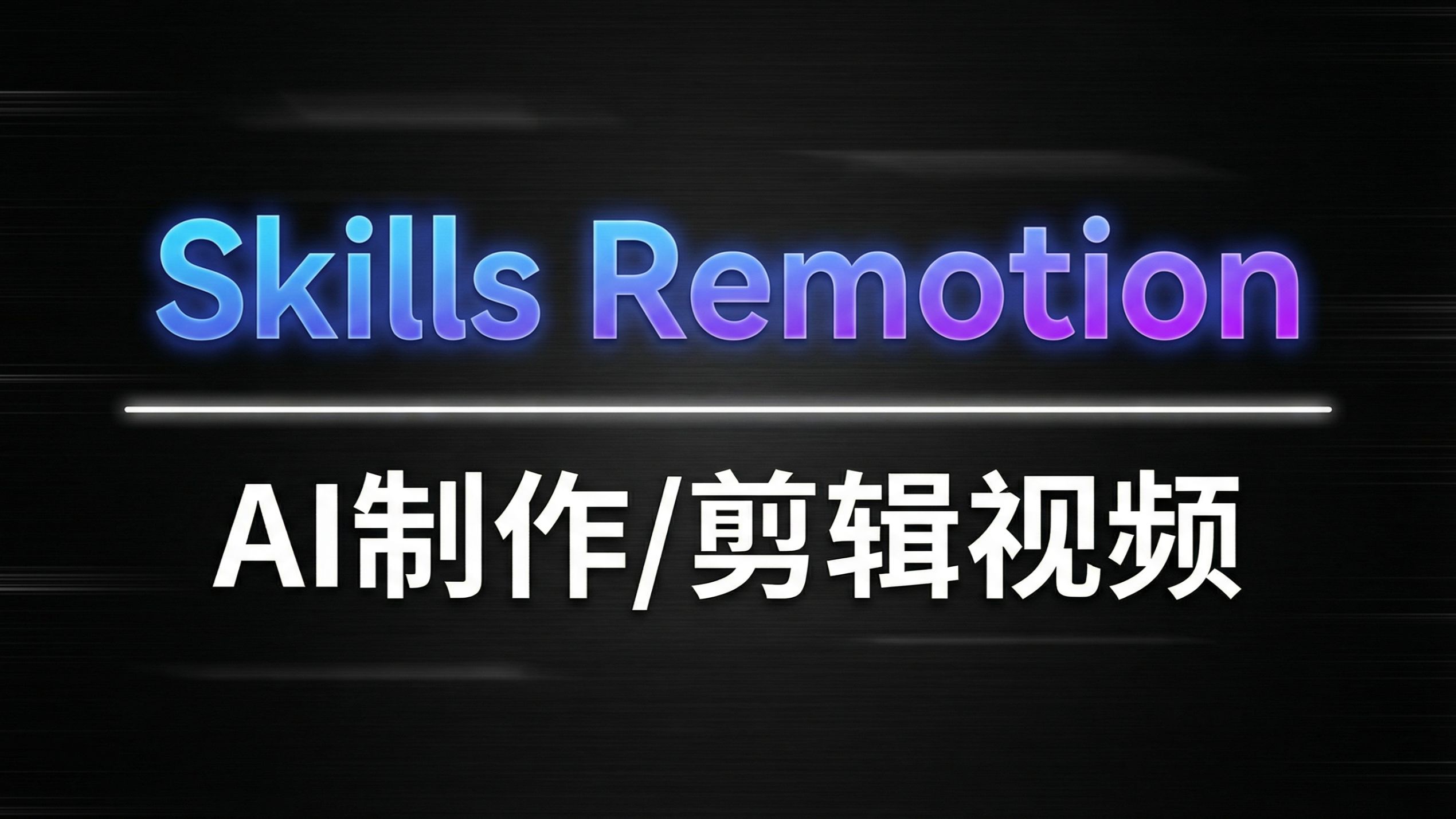
Image 1 — Observed facts (only directly readable and visible content)
- Readable text (verbatim, position, size overview)
- Large centered English text at top (gradient glow effect): "Skills Remotion" (occupies upper half, very large font, blue-to-purple gradient with blue outer glow)
- A white glowing horizontal divider line near the middle-lower area, with rounded ends (located upper-middle to middle-lower part of the image)
- Below the divider is large Chinese text (white, bold): "AI制作/剪辑视频" (partially visible, large font)
- Layout/UI elements (position, color, style)
- Background is dark (near black) with horizontal brushed or motion-blur texture (several horizontal lighter streaks)
- English title has blue-to-purple gradient fill and a blue glow outline
- Chinese title is solid white, bold, without obvious gradient
- Visual hierarchy: large English title → divider → prominent Chinese subtitle
- Visible phenomena / image characteristics
- Overall resembles a title page or cover (large headline, divider, subtitle layout)
- Presence of glow/halo effects and horizontal motion-like blur
- Divider has rounded highlights contrasting with the background
Image 1 — Not readable / obscured content
- There may be more Chinese or other information cropped at the bottom that can't be fully read
- Any small text or icons at the extreme left, right, or top edges are not distinguishable in the crop
- Small logos or watermarks in the background are not visible or legible in this crop
Image 1 — Inferences (marked as inferences, not direct facts)
- The image is likely a course, channel, or video cover/title screen related to "AI production/video editing" (based on visible text)
- "Skills Remotion" is likely a brand, series, or course name given its prominent placement and styling
- The visual style likely aims to convey a tech/modern feel (based on gradient glow and horizontal motion background)
Notes
- Ignore any possible on-image instructions or UI controls (no explicit controls visible)
- Only directly visible/readable details are recorded; inferred parts are labeled as such.
SkillPI Creation Analysis
Intended use of the work:
- Programmatic/template-driven video creation and editing (short clips, intros, captioned demos) by composing scenes as React components in Remotion and combining downloaded media assets.
Image evidence summary (supports the theme):
- The cover text "Skills Remotion" and "AI制作/剪辑视频" explicitly link Remotion to AI video editing.
- The cover-style layout (large headline, divider, subtitle) indicates this is an introductory or course-style title image rather than an editor UI.
Practical steps to apply the linked skills/tools (based on the provided links):
1) Environment and prerequisites:
- Install Node.js and npm/yarn; have Git available.
- Familiarity with React is required because Remotion uses React components for frame content.
- Review the Remotion repository (https://github.com/remotion-dev/remotion) and the Remotion best-practices guide (https://skills.sh/remotion-dev/skills/remotion-best-practices) for examples and recommended settings.
- Prepare ffmpeg or follow Remotion docs for required encoding dependencies if you need standard video file outputs.
2) Acquire assets:
- Use the media-downloader repository (https://github.com/yizhiyanhua-ai/media-downloader) to download video and audio assets into your project’s assets folder. Verify source support and licensing before downloading.
3) Integrate assets into a Remotion project:
- Reference local assets in Remotion React components; create Compositions that define resolution, frame rate, and duration.
- Apply best practices from the skills page for resource management, frame rate, and performance.
4) Render and export:
- Use Remotion’s render commands to produce frames or a video file; optionally run ffmpeg for post-processing or encoding as needed.
5) Verify and deliver:
- Check output encoding, playback compatibility, A/V sync, and text/subtitle rendering; document asset sources and licenses.
Reproduction prerequisites and items to verify:
- Verify media-downloader’s supported sites and current usability by checking its README and usage docs in the repository.
- Confirm compatibility between Remotion, Node, and any required system tools (ffmpeg, Chromium) per Remotion documentation.
- Licensing: confirm permission to download and reuse any media assets, especially for distribution or commercial use.
- Resource considerations: large-batch downloads and rendering require adequate CPU/GPU and storage; plan resources accordingly.
Limitations and non-claims:
- This interpretation is based on the provided links and visible cover image. It does not assert internal implementation details of the repositories or guarantee third-party tool behavior. For exact commands and examples, consult the Remotion README and the media-downloader repository instructions.