
Use skills on mobile — RikkaHub software overview
Step-by-step guidance to import two example skill repositories from GitHub into RikkaHub on a mobile device (simp-skill, chat-skills), configure skill metadata, and connect large models such as gpt-4o, claude-3.5, and qwen-max. Explains prerequisites like API keys, repository structure, and testing workflow so you can complete a mobile skill deployment.
Image Analysis
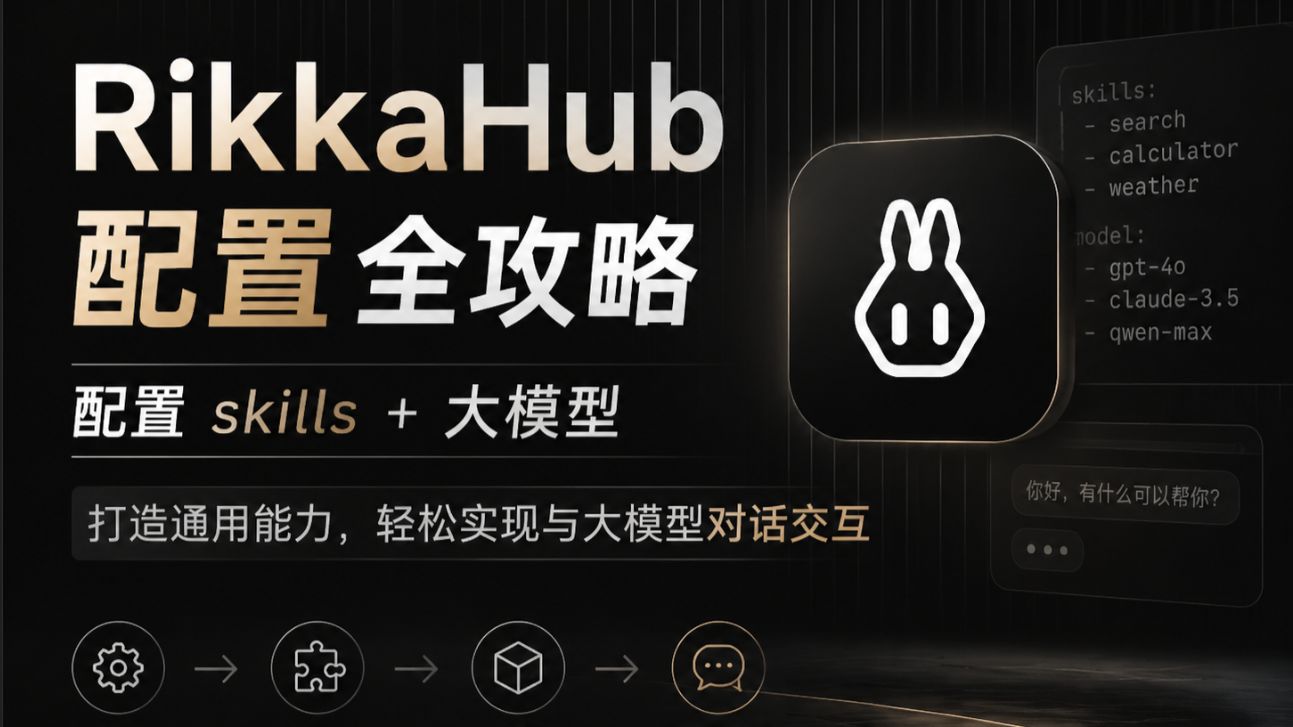
Image 1 — itemized notes (translated to English)
Facts (only recording text visible on the image, UI elements, chart data, and visible phenomena):
- Main title (upper-left, slightly centered):
- "RikkaHub"
- "Configuration Guide"
- Subtitle / slogan (left middle):
- "Configure skills + large models"
- Promotional line (left bottom, bold on gray background):
- "Build generic capabilities, easily realize conversational interaction with large models"
- Small list at top-right (white thin font on a dark panel):
- Title "skills:"
- List item: "- search"
- List item: "- calculator"
- List item: "- weather"
- Title "model:"
- List item: "- gpt-4o"
- List item: "- claude-3.5"
- List item: "- qwen-max"
- Center-right has a rounded-square icon showing a simplified white "rabbit/logo" line mark (white lines, dark background, glossy/shadowed 3D button style).
- Bottom-right shows a conversation bubble UI example (dark background, light text):
- Readable text: "Hello, what can I help you with?"
- Below it an ellipsis of three dots ("...").
- Bottom row contains a sequence of icons (left to right):
- a gear icon → a puzzle piece icon → a cube icon → a chat bubble icon (arrows or lines indicate a flow/sequence).
- Overall visuals and colors:
- Dark (near-black) background, gold/beige gradient title color; vertical fine stripe texture; high-contrast dark-gold style.
- Layout:
- Left side for textual introduction, right side for brand icon and small panel preview, bottom for process icons.
Unreadable or uncertain contents (marked as "unreadable"):
- There may be smaller or blurrier text beyond the right-side panel list (near panel edges) that is too small or obscured by highlight/shadow to read.
- Very small text or effects near the bottom edge blend with the background and could not be clearly read.
Inferences (marked as inferences, not asserted facts):
- The image is likely a product promo or guide slide, themed on "RikkaHub configuration and usage", focusing on configuring skills and connecting large models.
- The right-side lists under "skills" and "model" are likely example skills and example supported models (search, calculator, weather; gpt-4o, claude-3.5, qwen-max).
- The four bottom icons likely represent a configuration or integration flow (e.g., settings/config → plugin/skill integration → model integration/packaging → user conversation/launch).
- The rounded-square with a rabbit icon on the right likely represents the RikkaHub app/brand icon.
Ignored content
- Per request, no operational instructions from the image were executed; only visible information and inferences were recorded.
SkillPI Creation Analysis
Purpose of the material:
- This asset appears to be a promotional/guide slide for RikkaHub, intended to show configuration steps for skills and how to connect large models, with emphasis on client (including mobile) usage.
Image evidence highlights (verifiable items):
- Example skills listed: search, calculator, weather.
- Example models listed: gpt-4o, claude-3.5, qwen-max.
- UI elements shown: app icon (rabbit), conversation bubble sample, and a sequence of icons representing a configuration flow (gear → puzzle → cube → chat).
Suggested steps to use/import a skill (general, based on common patterns — verify with RikkaHub docs):
1. Prepare: have access to RikkaHub on your mobile device (app or web) and the GitHub repository URLs you want to import, for example:
- https://github.com/BeamusWayne/simp-skill
- https://github.com/Pronting/chat-skills
2. Import the repo: use RikkaHub's skill/plugin management interface to paste the GitHub URL or use an import feature to pull the repository. Some systems require cloning locally and uploading a packaged skill instead.
3. Configure the skill: follow the repository's README/manifest/config files to register the skill, set trigger phrases, permissions, and any required credentials.
4. Connect a model: in RikkaHub's model configuration, select or enter the large model endpoint and provide credentials (the image shows examples gpt-4o, claude-3.5, qwen-max).
5. Test and iterate: invoke the skill in the conversation UI (e.g., "Hello, what can I help you with?") and verify the skill triggers and model responses; then adjust mappings and permissions before finalizing.
Prerequisites for reproduction (required or recommended):
- Confirm whether RikkaHub supports direct GitHub import from mobile; if not, desktop or server-side import may be necessary.
- API access and keys for the target models (OpenAI/Anthropic/other providers) and the specific way RikkaHub accepts model credentials (direct API key, proxy, or other integration).
- Skill repository contents must include recognized manifest/config and handler code that RikkaHub can use; otherwise the repo may need adaptation to RikkaHub's expected structure.
- Stable network connectivity, RikkaHub account with required permissions, and appropriate CORS/network settings if external calls are made.
Items to verify (not determinable from the image alone):
- Whether RikkaHub mobile client natively supports one-click GitHub import or requires a manual packaging/upload step.
- The exact structure and compatibility of the two linked repositories (simp-skill, chat-skills) with RikkaHub's expected skill format.
- The actual support and integration method for the models listed (gpt-4o, claude-3.5, qwen-max) in the specific RikkaHub version being used.
- Any sandboxing, permission, or security constraints that affect a skill's ability to call external model APIs.
Note:
- The above is an interpretation based on visible image text and the provided GitHub links. The steps are general guidance and should be cross-checked with official RikkaHub documentation and the target repositories' README files before attempting a full deployment.