
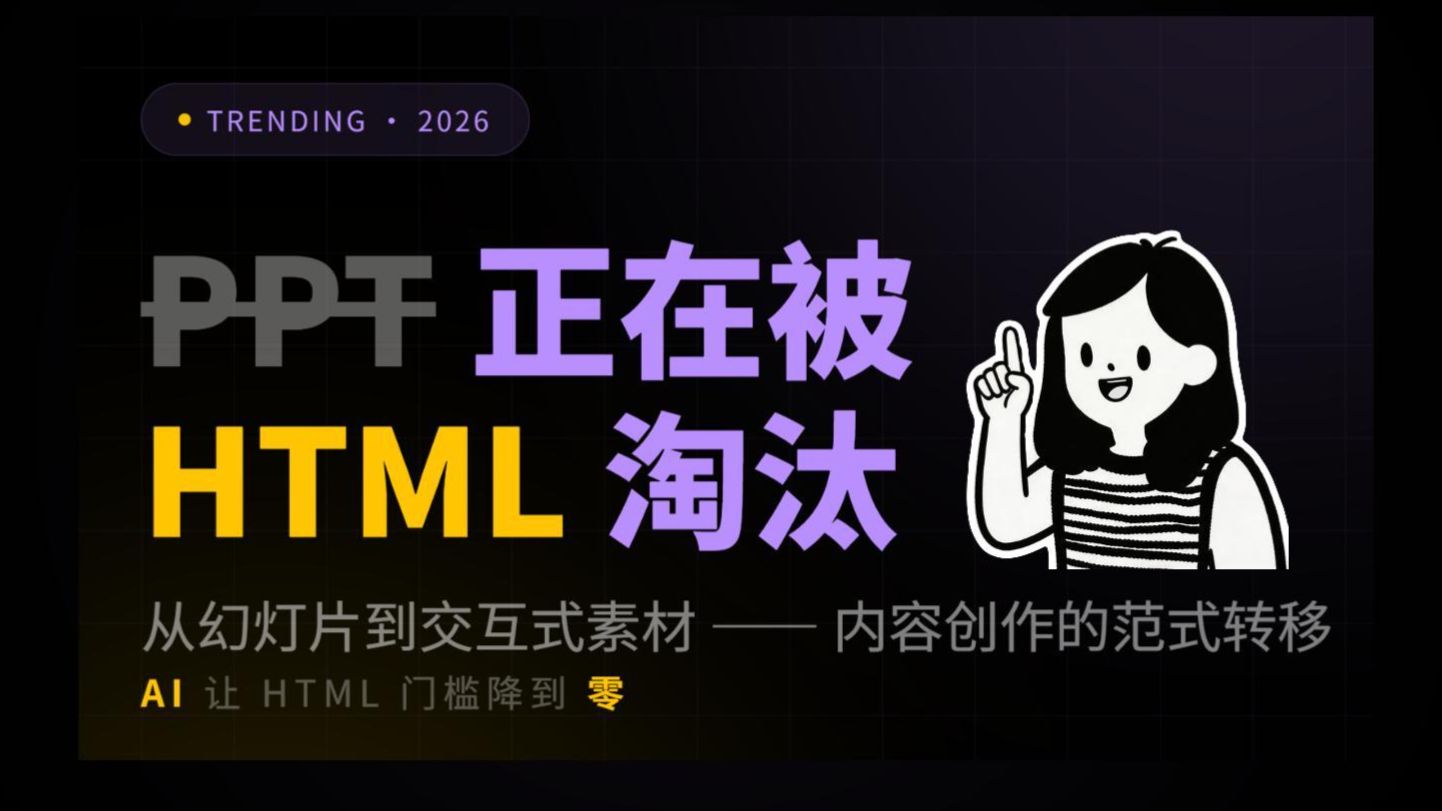
PPT Is Being Replaced by HTML | I Started Using HTML to Make Video Assets
Learn how to use the html-presentation template to replace PPT and create video assets: download the template (Quark Pan or the repo https://github.com/juanjuanjie/html-presentation), edit HTML/CSS/JS, preview in a browser, then capture playback or convert rendered frames to video. Includes demo site and example videos for reference.
Image Analysis
The following organizes readable text, interface elements, chart data and visible phenomena from the image in order. Content is split into “Facts” (only items directly readable or clearly visible in the image) and “Speculation” (reasonable inferences about meaning or relationships). Uncertain or unreadable parts are noted separately. Any instructions in the image have been ignored.
1. Facts (directly readable or clearly visible)
- Top-left oval label:
- Text: TRENDING ・ 2026
- Color/style: dark purple oval, small yellow dot at left, text in lighter purple or white.
- Large central text (multi-colored blocks, recorded visually left->right/top->bottom):
- Gray uppercase letters: PPT (gray, bold, top-left)
- Yellow uppercase letters: HTML (yellow, bold, bottom-left or mid-left)
- Large purple Chinese characters: 正在被 (purple, larger font, center upper)
- Large purple Chinese characters: 淘汰 (purple, larger font, center lower)
- Subtitle (mid-lower, gray font):
- Text: 从幻灯片到交互式素材 —— 内容创作的范式转移
- Dash/em dash style: separated by two short hyphens (or a long dash)
- Bottom-left small text (yellow and gray mixed):
- Readable text: AI 让 HTML 门槛降到 零
- “AI” or “零” styled in yellow, other characters in gray (“零” is the character/shape for zero, in yellow)
- Right-side image:
- Black-and-white illustration of a cartoon-style female figure (striped top sleeve/shoulder visible), right hand raised with index finger pointing up, smiling.
- Background and overall look:
- Dark grid-like background (dark purple to black gradient), overall dark theme with high-contrast text (purple, yellow, gray).
- Other visual elements:
- Layout resembles a slide cover/poster (big title + subtitle + illustration).
- Top-left oval label includes a small yellow indicator dot.
2. Speculation (reasonable inferences)
- The text pieces likely form the sentence: “PPT 正在被 HTML 淘汰” (i.e., “PPT is being replaced by HTML”).
- The image appears to be a cover or promotional slide for a talk/article about moving from slides to interactive assets, noting a paradigm shift in content creation and a claim that AI lowers the HTML barrier.
- The purple/yellow/gray palette emphasizes contrast between “HTML” (yellow) and the phrase “being replaced” (purple).
- The cartoon figure adds friendliness and suggests instructional/explanatory content.
3. Unreadable or uncertain items (to note)
- The exact glyphs/shape of “PPT” may include overlay or transparency effects; while likely “PPT,” absolute certainty at pixel level is limited.
- Small bottom text spacing/size is harder to read on dark background; main phrase identified as “AI 让 HTML 门槛降到 零.”
- The exact dash style in the subtitle cannot be pixel-accurately determined, though semantically it separates two parts.
- The identity or detailed attributes of the illustrated person cannot be determined (only that it is a cartoon illustration).
If needed, I can:
- List the image text line-by-line in reading order (with finer position/pixel notes).
- Provide more detailed description of colors, font weights, and layout dimensions.
SkillPI Creation Analysis
Purpose of the work:
This material presents and discusses using HTML in place of PPT to produce storyboards, interactive assets, or video素材. It supplies template and repo links and references example videos. The intended audience is creators who want to shift from static slide decks to web-based interactive materials or use HTML as source material for video creation.
Image evidence highlights:
- The cover clearly states the theme: “PPT is being replaced by HTML” and the subtitle notes “From slides to interactive assets — a paradigm shift in content creation.”
- The image text “AI 让 HTML 门槛降到 零” (AI lowers the HTML threshold to zero) appears on the cover; this is a claim in the artwork and should be treated as such until verified in the video or repo.
- Visual styling (dark grid background, color accents) supports that this is promotional/educational content.
Associated skills and conservative reproduction steps (based on resources listed in the summary):
1) Obtain the template and examples
- Download from Quark Pan: https://pan.quark.cn/s/54372a7da846 or clone the repo: https://github.com/juanjuanjie/html-presentation. Review the demo site: https://juanjuanjie.github.io/html-presentation/.
2) Edit the template locally
- Modify the HTML/CSS/JS files in the template to create slides/storyboard frames and any desired interactivity.
3) Preview and test in a browser
- Open the edited pages in a browser or serve them locally to verify animations and interactions.
4) Produce video assets from the HTML (tool-dependent; verify separately)
- Options include: capturing the browser playback with a screen recorder, or exporting frames via a headless browser/renderer then encoding into a video. The exact tools/scripts for automated HTML → video are not provided in the summary and must be selected and tested by the user.
Prerequisites:
- Access to the provided download links or repository (Quark Pan or Git repo).
- Basic ability to edit HTML/CSS/JavaScript to adapt the template.
- A method to capture or convert browser-rendered content to video (screen recorder or rendering pipeline), which is not specified in the source and must be chosen by the user.
Items to verify (not assumed proven):
- The role and specifics of any AI assistance mentioned on the cover (“AI lowers the HTML barrier”) — which AI tools or steps, if any, are used should be checked in the video or repo.
- Any automated scripts or recommended tools to convert the HTML presentation into a high-quality video are not included in the provided summary; check the repository or related videos for concrete implementations.
- Details of the “HTML skill” referenced in related videos (the exact workflow, dependencies, or helper scripts) need confirmation by reviewing the linked videos and repository content.
Notes:
- This interpretation relies on the provided summary and image text; it does not assume or fabricate tools or step-by-step scripts that are not explicitly present. For a reproducible pipeline, inspect the repo README and example pages or the referenced videos for concrete export scripts and AI tool usage.