
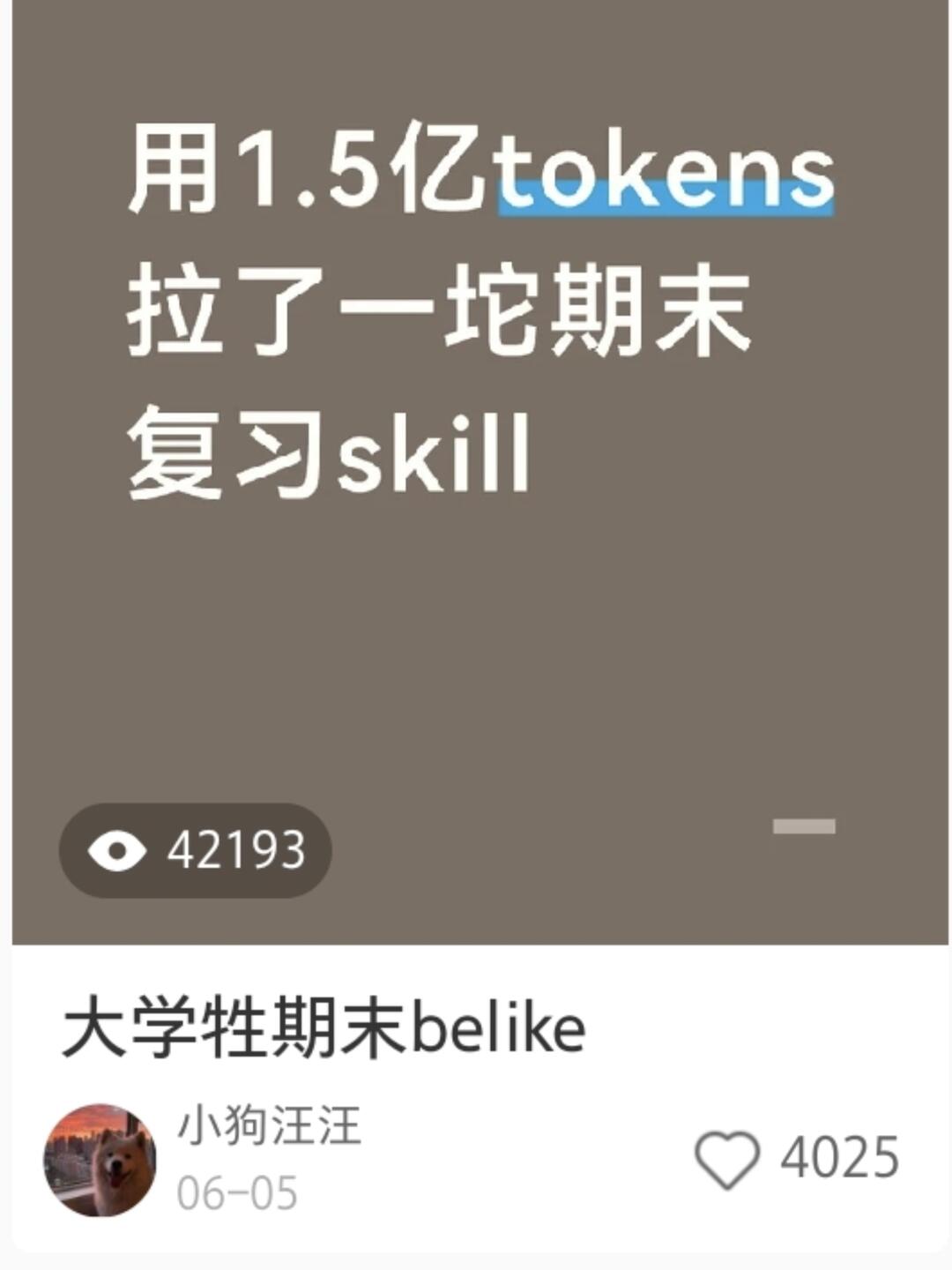
When a user wrote a skill and 42k college students watched…
Step-by-step guide to locate the referenced open-source repo (Liunian06/ko-lesson), inspect its Markdown file to confirm it contains no scripts, and add the local Markdown-based skill to your assistant by following the target platform’s import method. Includes steps for repository review, safe installation in an isolated environment, and basic security checks.
Image Analysis
Image 1 — Observable facts (readable or clearly visible):
- Top large text (displayed on separate lines):
- Line 1: "Used 150 million tokens" (the word “tokens” is highlighted/underlined in blue)
- Line 2: "pulled together a pile of finals" (literal phrasing)
- Line 3: "review skill"
- View/counts:
- Eye icon + number: 42193
- Heart (outline) icon + number: 4025
- Text below the title (list item title area):
- One line of text: "college? finals belike" (the middle Chinese character is unclear)
- Avatar and author info:
- Circular avatar (appears to be a photo of a dog’s face; background suggests city or sky tones)
- Username text: Xiaogou Wangwang (小狗汪汪)
- Date/time text: 06-05
- Colors and UI elements:
- Main top-card background: dark brown
- Text color: white
- The word “tokens” has a blue underline/highlight
- On the card’s right brown area there is a short light-colored rectangle (purpose unclear)
Image 1 — Unclear or uncertain items (to note):
- The single Chinese character in "大学?期末belike" is not legible; it could be "生" or another similar character; not 100% certain.
- The short light rectangle on the right side of the card cannot be identified from the image (its meaning or interactivity is unknown).
- Minor uncertainty about line breaks/spacing in the top large text (e.g., whether "Used 150 million tokens" is on one line or wrapped), but the text is generally readable.
Image 1 — Inferred/contextual observations (not direct facts):
- The screen likely shows a social media or content platform post card / cover image (it includes avatar, username, date, view counts and likes), suggesting a widely viewed post.
- The phrase "Used 150 million tokens pulled together a pile of finals review skill" appears to indicate a large-token data/process used to generate or aggregate finals review content; this is an interpretation, not a direct fact.
- The circular avatar appears to be a dog, based on visible canine facial features; this describes the image content and does not identify a real person.
SkillPI Creation Analysis
Purpose of the post: The post informs readers that an author open-sourced a skill named Liunian06/ko-lesson and suggests readers can use an AI to find and install it. The author claims the skill is a single Markdown file that operates on local course files and does not contain scripts, command-line actions, or network commands — effectively only file read/write.
Image evidence summary: The image shows a headline reading something like "Used 150 million tokens — pulled together a pile of finals review skill," view count 42,193, likes 4,025, username "小狗汪汪", and date "06-05". These elements corroborate that the post received high engagement but do not verify repository contents or safety.
Steps to use the stated skill (based on the material and common practices; these are reproducible steps to follow manually, not an executed install):
1) Search GitHub for the repository name Liunian06/ko-lesson (repo name provided in the post).
2) Inspect the repository: read README and the primary files to confirm the author’s claim (whether it is a single Markdown file and what the file contains).
3) Determine the target assistant/platform where you want the skill to run and follow that platform’s import/installation method — often placing the Markdown in a designated skills/plugins folder or registering the resource through the platform UI.
4) Load the skill in an isolated/testing environment and verify behavior: confirm it only performs local file read/write operations and does not execute scripts or perform network requests.
5) If issues are found, open an issue on the repository or contact the author (the post invites filing issues).
Prerequisites and cautions:
- You must know which assistant or environment you intend to use and its required install/import steps (the post does not specify a target platform).
- You need access to the GitHub repo and the ability to review file contents to validate the single-Markdown-file claim.
- Always test unverified third-party skills in a controlled or isolated environment before using them with sensitive data.
Unverified claims (items to confirm):
- Whether the GitHub repository Liunian06/ko-lesson actually exists and what files it contains.
- Whether the Markdown file contains hidden executable content or references that could cause network activity.
- The exact automatic installation behavior via an AI — the post suggests an AI can auto-find and install the skill using a prompt, but that workflow, permissions, and compatibility must be validated for your AI/tooling.
References: The original post URL is provided in the source material. Verify the repository and file contents on GitHub before trusting or installing.