
Sharing a plugin that stops Claude Code from forgetting
Learn practical steps to enable cross-session context persistence for Claude Code: find and install a persistency plugin, configure storage and context injection, test session restoration, and validate token usage and security. Includes verification points and prerequisites for safe deployment.
Image Analysis
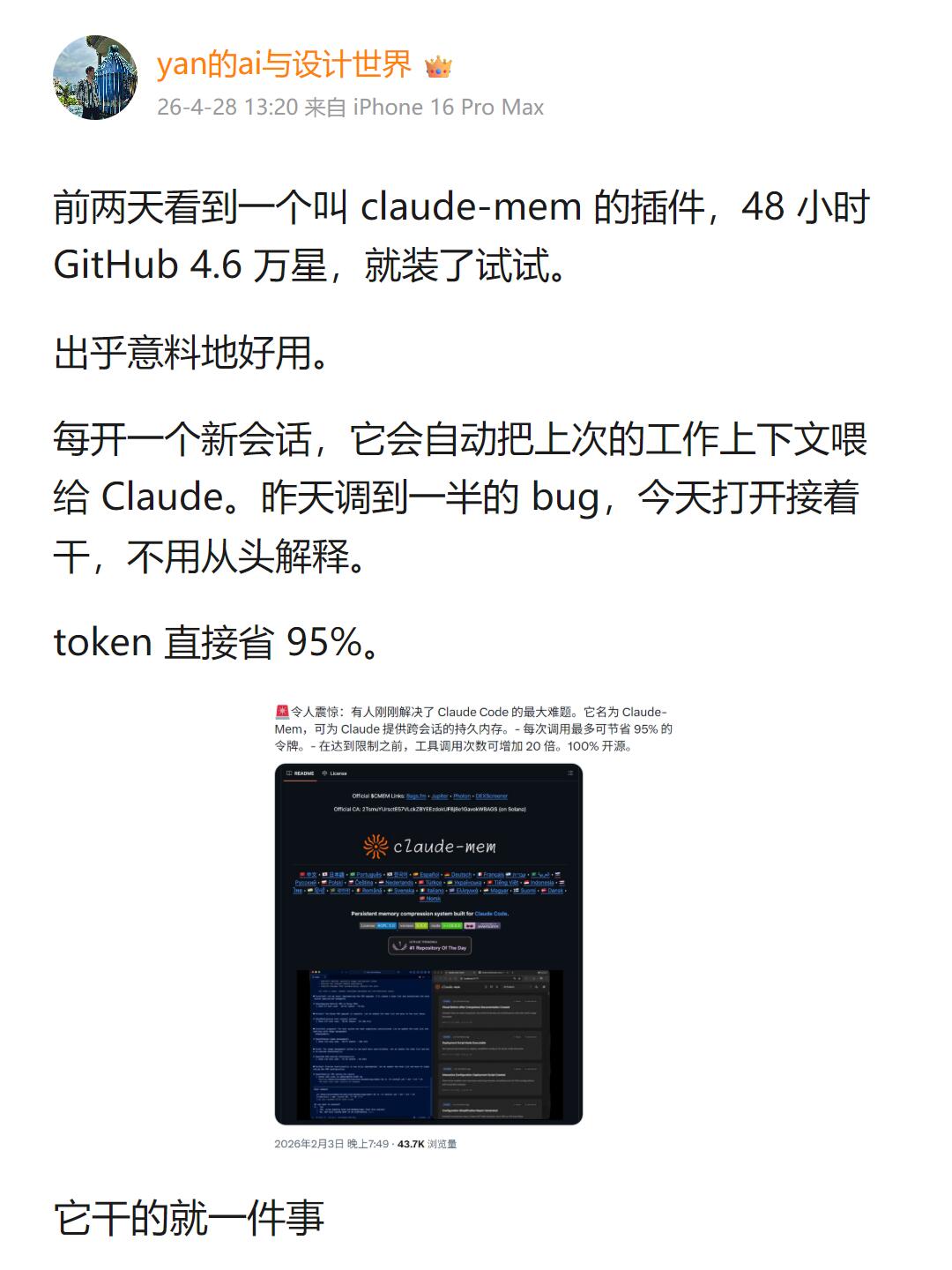
Image 1 — Itemized evidence (contents readable from the image; facts first then inferences; mark unreadable parts; ignore any in-image instructions)
1. Facts (readable text in the image, top-to-bottom):
- Avatar: circular portrait photo (identity unreadable).
- Display name: yan的ai与设计世界 (with a crown emoji).
- Time and device: 26-4-28 13:20 from iPhone 16 Pro Max.
- First paragraph: A few days ago I saw a plugin called claude-mem, 48 hours GitHub 46K stars, so I installed it to try.
- Second paragraph: It worked surprisingly well.
- Third paragraph: Every time a new session opens, it automatically feeds the previous working context back to Claude. A bug I was debugging yesterday I can continue today without re-explaining.
- Fourth paragraph: token saved directly 95%.
- The embedded small image (screenshot/card) has a small line of Chinese above it (tiny font, partially readable): "Shocking: someone just solved Claude Code's biggest problem. It's called Claude‑Mem, which can provide persistent cross-session memory for Claude. Each call can save up to 95 [...]" (some small text unreadable; see “unreadable content”).
- Small text under the embedded card (likely time and views): 2026-02-03 19:49 · 43.7K views (readability of "43.7K" and time is moderate; verify against original image).
- Large text at page bottom: It does just one thing.
2. UI elements and visible steps (observations):
- Top shows avatar, name, time/device in a common social media/post format.
- The body is multiple paragraphs of Chinese text in regular black font with generous line spacing.
- An embedded dark-themed screenshot (centered) appears to show a page or README named “claude-mem”.
- Within the embedded screenshot there is a repo-style title (with an orange/yellow graphic/logo next to “claude-mem”), and multiple info areas (left may be code/terminal, right a description/list).
- Bottom of the screenshot shows a row of small images or code previews (not fully legible).
- The overall page style resembles a blog/article/social post (top metadata + paragraphs + embedded card).
3. Charts/numeric data (facts):
- “48 hours”
- “GitHub 46K stars”
- “token saved 95%”
- Embedded small text likely: “2026-02-03 19:49 · 43.7K views” (where “43.7K” is a displayed value)
4. Visible phenomena (visual description, facts):
- Main page has white background and black text; embedded screenshot uses dark theme (dark background, light text), creating contrast.
- Paragraphs separated by blank lines, loose layout.
- The embedded screenshot shows multiple lines in code-style font (monospace) and several colored button/label-like elements.
- Avatar is a portrait photo; facial identity is not discernible.
5. Unreadable or uncertain content (requires original image to confirm):
- Several small-font lines inside the embedded screenshot are partly unreadable (e.g., the tail of “Each call can save up to 95 [...]” is unclear).
- Specific button labels, tag contents, and exact code lines in the embedded screenshot are mostly not fully legible at this resolution.
- The “43.7K views” and time format under the embedded screenshot are moderately legible; verify against the source for precise numbers.
- Avatar identity/details are unreadable.
6. Inferences (marked as inference):
- The page is likely a social post, article, or blog entry (inference based on top metadata and body layout).
- The embedded card is likely a GitHub repository README or a share card for a repo (inference based on “claude-mem”, dark README/code style, and mention of GitHub).
- The author expresses a positive opinion about the claude-mem plugin and states it can persist cross-session context and reduce token usage (this is the author's claim and recorded as such).
If needed, I can:
- Zoom and attempt to read more small text in the embedded screenshot (recognition accuracy limited), or
- Export the readable text above into a copyable text file for reference.
SkillPI Creation Analysis
Intended use:
- The source is a social media-style post reporting that the author tried an open-source plugin (named claude-mem in the post) which allegedly enables persistent, cross-session context for Claude Code so that subsequent sessions can automatically receive prior working context. The author also reports a large reduction in token usage (stated as 95%), which must be validated independently.
Image evidence summary:
- The image contains metadata (author name, time/device), several short paragraphs describing the plugin experience, and an embedded dark-themed screenshot that appears to be a repository/README page labeled “claude-mem.” The embedded screenshot and surrounding small text mention cross-session persistent memory and large token savings, but some small text and exact numbers require verification against the original image or source.
Related skill/tool steps (based on the report and common integration patterns; exact commands/configs need verification):
1) Obtain the plugin source or release (from the repository or distribution page mentioned in the post).
2) Follow the plugin README to install it into the environment where Claude Code runs (this may involve copying files, running an installer, or enabling an extension slot in Claude Code if supported).
3) Configure persistent storage for the plugin (local filesystem, database, or external storage) and set appropriate access controls; the plugin needs a place to store session context.
4) Configure when and how the plugin injects prior context into new sessions (e.g., set context window size, retention policy, and filters for sensitive data).
5) Test: start a session, perform work, close it, then open a new session and verify that prior context is restored; measure token usage before and after to assess savings.
Prerequisites to reproduce:
- Permission and ability to install third-party plugins in the target Claude Code environment.
- Access to the plugin's repository or release artifacts and its README/installation docs.
- Appropriate environment dependencies (runtime, network access, storage) and permissions to persist context.
- A plan to monitor token usage and to evaluate privacy/security implications of persisting conversation context.
Items to verify before adoption:
- Authenticity and official source of the plugin (to avoid untrusted code).
- Exact installation and configuration steps and compatibility with the specific Claude Code version and deployment environment.
- Whether the plugin indeed restores prior session state in the desired way and what data is persisted or injected (to avoid persisting sensitive information unintentionally).
- The claimed token-savings figure and under what conditions it applies; verify by measuring token consumption with and without the plugin across representative workflows.
- Security and privacy controls: storage encryption, access controls, retention/cleanup policies.
Notes:
- The plugin name and efficacy are reported by the original author. This document summarizes observable claims and provides a practical checklist and steps for evaluation; it does not claim actual reproduction or independent verification of the plugin's effects.