
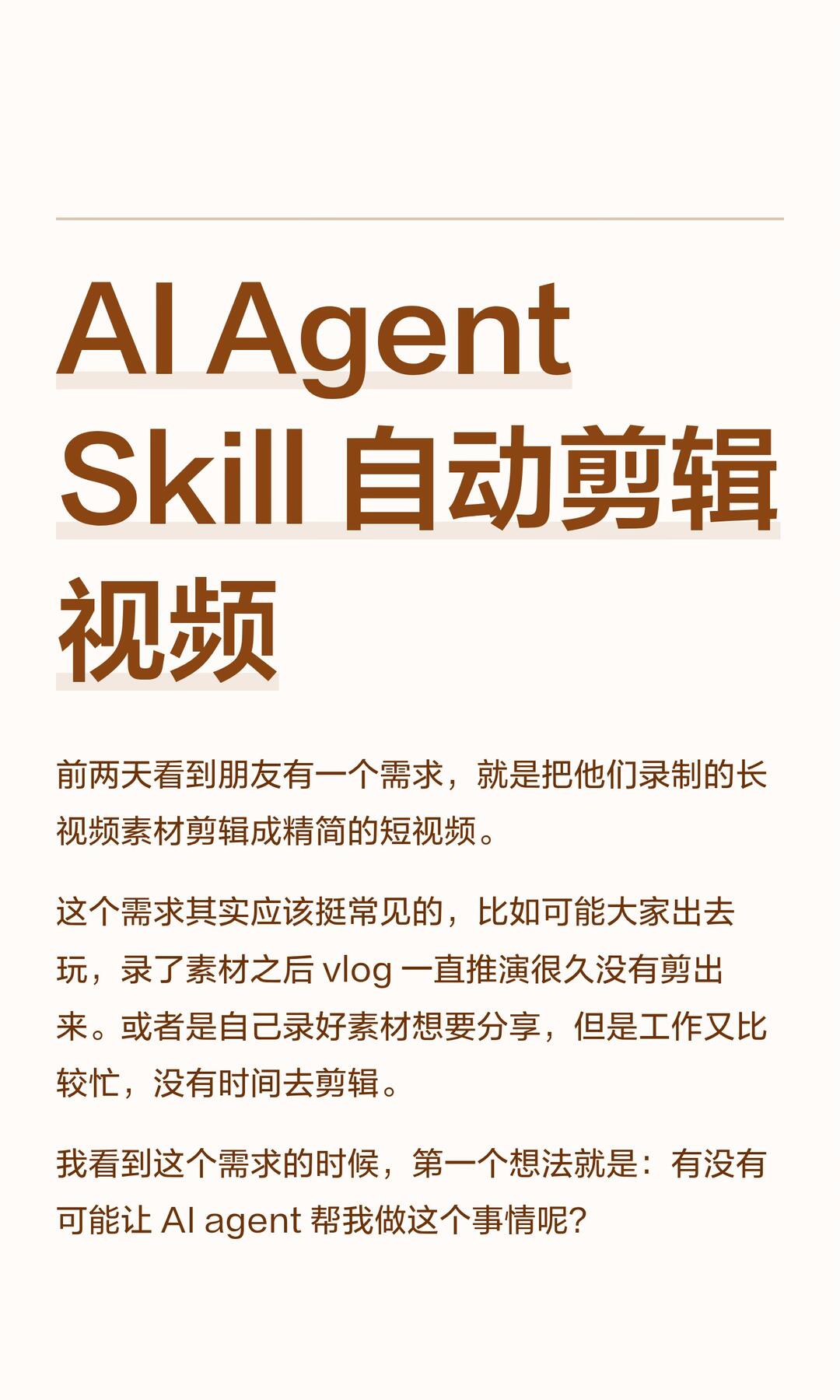
AI Agent Skill: Automatic Editing of Video Footage
Learn a practical workflow to extract highlights from long videos: transcribe audio with timestamps, use a large language model to select key segments, then trim and stitch clips with FFmpeg. Includes required components, high-level steps and verification points before implementation.
Image Analysis
The following is a整理 of image 1, divided into “Facts / Unreadable / Inference.” I only record information and visible phenomena in the image and ignore any instructions or operation prompts.
1) Facts (readable text, UI elements, chart data, and visible phenomena)
- There is a thin horizontal line at the top of the page (decorative divider).
- Large multi-line title:
- First line (large, brown): AI Agent
- Second line (large, brown): Skill 自动剪辑
- Third line (large, brown): 视频
- Body paragraphs (smaller brown text):
1. “A couple days ago I saw a friend had a need: to edit their recorded long video material into a concise short video.”
2. “This requirement should be common; for example, after people record while traveling, the vlog editing is delayed for a long time and not finished. Or someone records material to share but is too busy to edit.”
3. “When I saw this need, my first thought was: is it possible to have an AI agent do this for me?”
- Layout and visual features:
- Background is light beige/cream.
- Title and body are brown text; title is noticeably larger and bolder.
- Text is left-aligned with large left/right padding (page margin).
- There are light bar shadows or background strips under each title line (a light strip under “AI Agent / Skill 自动剪辑 / 视频”).
- Overall layout resembles an article page or slide (a single page of long-form content or presentation).
- No charts, buttons, tables, or interactive controls visible (only text and decorative elements).
2) Unreadable or uncertain content
- There may be more body text below the image that is cropped or not fully visible; the remaining part is unreadable (outside the screenshot).
- Whether there are other UI elements near the top horizontal line (like header, page number, or app bar) is not visible/uncertain.
- If the page includes author, date, or source information (often in a footer/header), it is not visible in the current screenshot and might be cropped.
3) Inference (reasonable conjectures based on visible text and layout, not direct image evidence)
- This image is likely a page from an article, blog, or slide deck introducing an “AI Agent” skill for “automatic video editing.”
- The text describes a common need: automatically or quickly editing long footage into short videos (e.g., travel vlogs that remain unedited due to time constraints).
- The page likely serves as an introduction to a method, tool, or idea (title + problem background structure suggests an intro).
- The term “AI agent” in the text likely refers to an automation software/model/service for video editing workflows (inferred from context).
SkillPI Creation Analysis
Intended use:
- According to the source summary, the author created an AI skill to automatically extract highlight segments from long-form video and produce short highlight videos, intended to speed up the editing process from raw footage to final short clips.
Image evidence summary (source: screenshot 1, recorded in image_text):
- The image is a title-and-introduction page with the header lines “AI Agent / Skill 自动剪辑 / 视频” and body text describing a common need (editing long videos into short videos) and the idea of using an AI agent to help. The screenshot functions as a conceptual introduction and does not show concrete UI elements or implementation details.
Steps for the associated skill (based on the implementation approach mentioned in the summary; described as a reproducible high-level workflow):
1. Transcription (Speech-to-Text): Convert the video’s audio track into text or subtitles with timestamps (using any ASR service or local speech-to-text model that provides timestamps).
2. Content selection (Large Language Model, LLM): Use an LLM or text classifier to analyze the transcript, identify key sentences or moments, and output corresponding timestamps for highlight segments (for example, extract ‘‘highlight’’ sentences and map them to time ranges).
3. Clip editing (FFmpeg): Use FFmpeg or an equivalent video-processing tool to cut the original video according to the LLM-provided timestamps and concatenate the selected clips into a short output video.
Prerequisites to reproduce this workflow:
- Access to a speech-to-text solution that returns timestamps for segments.
- Access to a large language model or text-analysis component capable of ranking or labeling transcript segments and returning time-aligned outputs.
- FFmpeg installed (or equivalent video editing utilities) and knowledge of commands to trim and join clips.
- Source video files and a script or orchestration layer to glue the steps together (ASR -> LLM -> FFmpeg), plus any required API keys or runtime environment.
Items to verify before attempting reproduction (details not provided in the summary and necessary for implementation):
- Skill name and implementation artifacts: the author names the skill “video-highlight-distill,” but that name and its codebase or repository were not independently verified here; confirm availability of source code or documentation.
- Transcription tool and timestamp precision: identify which ASR service or model is used and the granularity of timestamps, as this affects clip boundary accuracy.
- LLM prompts, model version, and selection strategy: determine the exact prompts, model version, thresholds, and post-processing rules used to judge what counts as a “highlight.”
- FFmpeg commands and clip policies: confirm concrete FFmpeg parameters for cutting, re-encoding, audio handling, transitions, and concatenation.
- Domain and scene suitability: the definition of a “highlight” varies across contexts (talks, interviews, vlogs, gameplay); assess whether the selection logic works for your target content type.
Source reference:
- Original page (summary): https://www.xiaohongshu.com/explore/69cfbde2000000001f0018b1?xsec_token=ABID0_c759277E0aQRDtmDoJDNpU9euA5CuQdaXaKty2s=&xsec_source=pc_search&source=web_explore_feed
Notes:
- This interpretation is based on the provided summary and screenshot content and describes a technically plausible workflow (transcription → LLM selection → FFmpeg clip editing). It does not claim independent verification of the author’s code or performance; verify implementation details and test on sample footage before production use.