
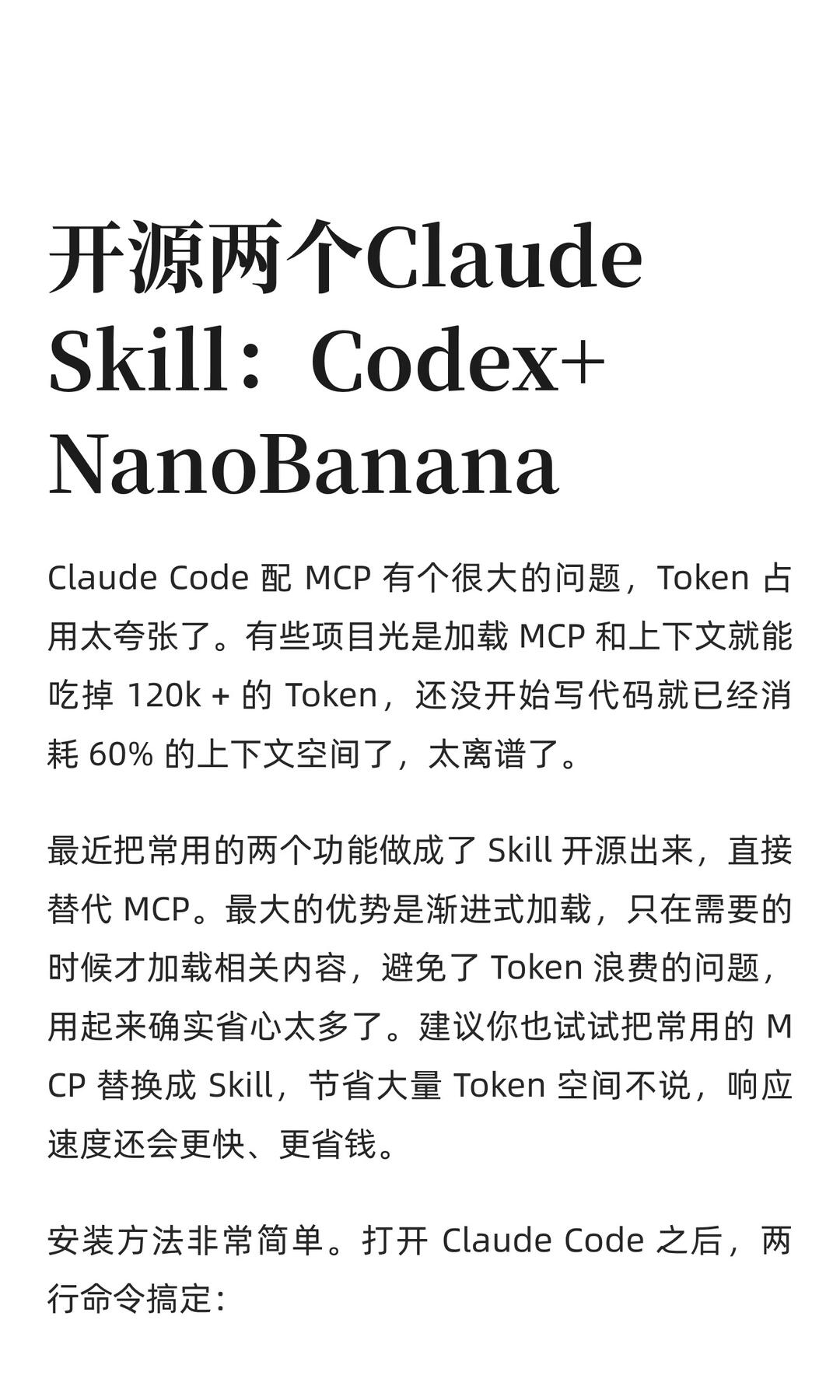
Open-sourced two Claude Skills: Codex + NanoBanana
Learn how to install the feiskyer/claude-code-settings plugin in Claude Code with two commands to obtain Codex-skill (for design/code review) and an image Skill reported to call Gemini 3 Pro Image. This guide covers the install commands, expected Skills, and the progressive-loading approach to reduce context token usage. Verify plugin availability, model access, and environment permissions before use.
Image Analysis
Image evidence (readable or visually verifiable content):
- Headline/large text:
- Open-sourced two Claude
- Skill: Codex+
- NanoBanana
- Main text lines (approximated transcription):
- Claude Code with MCP has a big problem: token usage is outrageous. Some projects, just loading MCP and context, can eat up 120k+ tokens; before starting to write code they have already consumed 60% of the context space.
- Recently I turned two commonly used functions into Skills and open-sourced them as direct replacements for MCP. The biggest advantage is progressive loading: only load related content when needed, avoiding token waste. It really makes using it much easier. I suggest you try replacing common MCPs with Skills to save a lot of token space, speed up responses, and save money.
- Installation is very simple. After opening Claude Code, two commands do it:
- Visible UI/layout features (facts):
- White background, left-aligned layout.
- Large title uses a serif or similar large font (black).
- Body uses a smaller black sans-serif or regular font with line spacing between paragraphs.
- Bottom of the page is cropped (content not fully visible).
Unreadable or cropped parts in the image:
- The commands under “two commands do it:” are cropped or not readable in the image (the source summary contains the commands).
- The bottom of the page is cropped so subsequent sentences or steps are not visible.
Reasonable inferences (not directly readable facts):
- The page is likely a how-to/intro fragment explaining making two common functions into Claude Skills (Codex and NanoBanana) and replacing MCP.
- “Codex+” and “NanoBanana” are likely the names or codenames for the two Skills.
- The two cropped commands likely install/enable those Skills.
SkillPI Creation Analysis
Interpretation (purpose, image evidence, steps for using associated Skills, reproduction prerequisites, items to verify):
Purpose and expected outcome:
- Goal: Replace MCP in Claude Code with Skills to avoid loading large amounts of context at once and reduce token usage. The author claims progressive loading will save tokens, speed up responses, and lower costs. After installation, users should obtain Skills (the author lists Codex-skill and Nanobanana-skill) that load content only when invoked.
Key image evidence:
- The image headline and body explicitly state “Open-sourced two Claude Skill: Codex + NanoBanana” and describe the MCP token-usage problem and the progressive loading advantage. The image shows “two commands do it:” but the lower part is cropped; the summary provides the command texts.
Practical steps inferred from the source (informational, not a guaranteed reproduction):
1) In a running Claude Code environment, execute the two commands provided in the source to add and install the plugin:
/plugin marketplace add feiskyer/claude-code-settings
/plugin install claude-code-settings
2) After installation, inspect the plugin’s Skills list. The plugin is said to expose Codex-skill (for dispatching Codex in design/code review or instruction-strict tasks) and Nanobanana-skill (reported to call an image model for drawing, PPTs, infographics, and image edits).
3) Invoke the appropriate Skill when needed to benefit from progressive loading: the Skill should only load its associated context when called.
Reproduction prerequisites and cautions:
- You need a functioning Claude Code environment and permission to add/install plugins. The commands must be valid in your specific environment.
- Image-model Skills may require separate model access, API keys, or additional configuration; the source does not detail these prerequisites.
Items that need verification (do not assume these as facts):
- Token figures mentioned in the post (for example, “120k+ tokens” or “consumed 60% of context”) are author statements and should be measured in your own projects before accepting as general behavior.
- Exact model names and access for Nanobanana-skill (the post states it calls Gemini 3 Pro Image / Nano Banana Pro); model availability, naming, and integration methods should be confirmed.
- Actual performance, latency, and cost changes after installing the plugin will vary by environment and should be validated with tests.
Summary: The source describes installing feiskyer/claude-code-settings to expose Skills that replace MCP and implement progressive loading to reduce token use. It provides two installation commands and Skill names, but access details and performance claims require validation in your environment.