
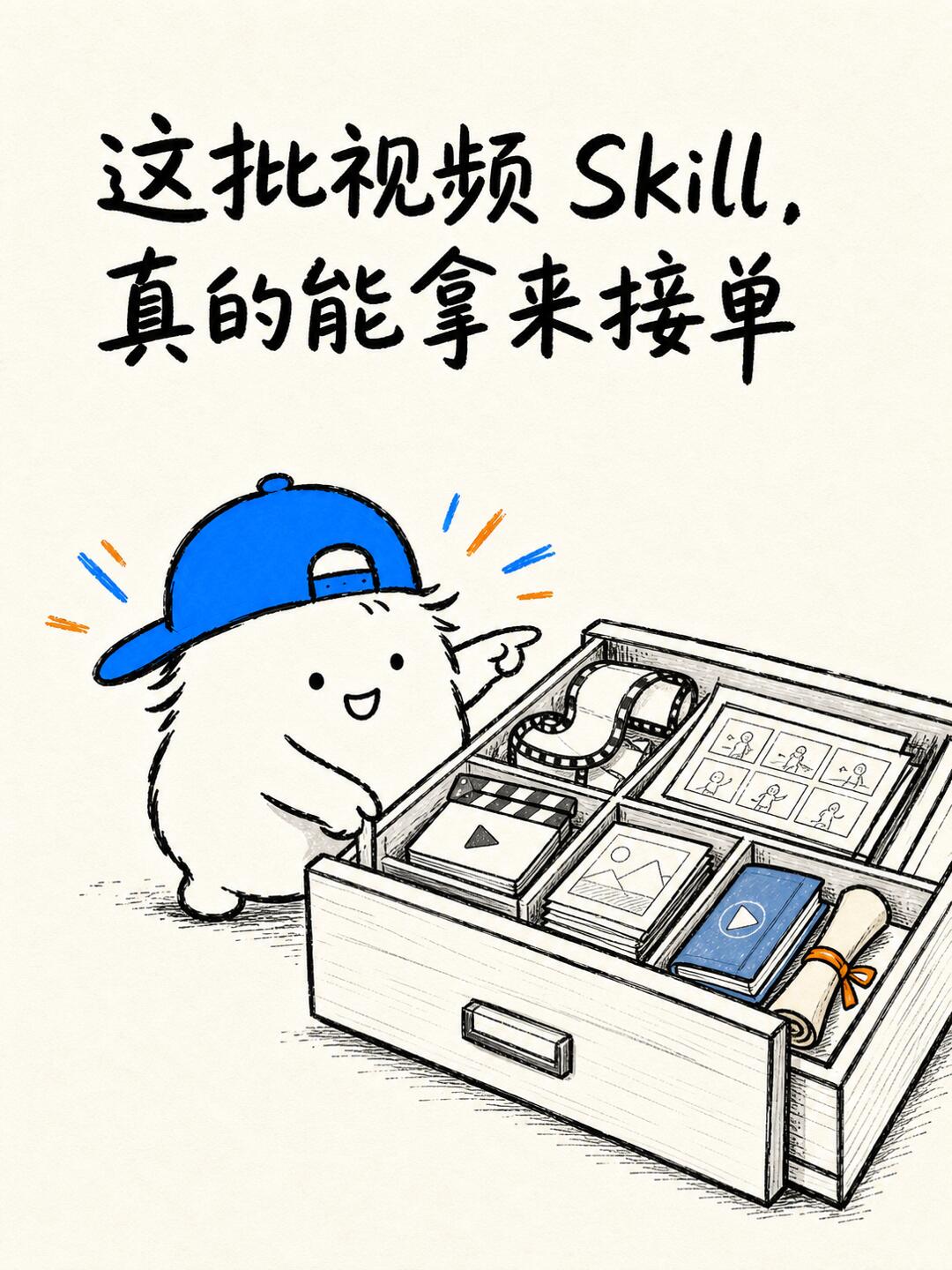
These video Skills really can be used to take client work.
Learn how to pick a niche and use open-source video Skills (e.g., video-shotcraft, vox-director, female-outfit-director) to assemble workflows: inspect repo READMEs, prepare assets and scripts, set up dependencies, verify licenses, render proofs and produce client-ready deliverables.
Image Analysis
Facts (directly observable in the image)
- Readable text (verbatim):
- Large top text: “这批视频 Skill, 真的能拿来接单” (These video Skills, really can be used to take client work)
- “Skill” is an English word with capital “S”, followed by a comma.
- Main visual elements:
- A chubby cartoon creature wearing a blue baseball cap (bill backwards), smiling, pointing to the right with its right hand, left hand appearing to open or place a drawer.
- An open wooden drawer divided into multiple compartments.
- Identifiable items/icons inside the drawer (hand-drawn styled and colored):
- A film reel / film strip.
- A storyboard-style grid of thumbnail frames (small multi-panel character sketches resembling storyboards).
- A clapperboard or a square with a triangular “play” icon.
- Several image thumbnails (landscape/mountain icons).
- A small blue-covered booklet/notebook with a white play triangle on the cover.
- A rolled scroll / certificate tied with an orange ribbon.
- Drawer appearance: wood grain with a handle on the front.
- Color palette: black linework on a beige paper background, with blue and orange highlights (hat, blue booklet, radial emphasis lines).
- Art style: hand-drawn sketch with shading lines and paper texture.
- Radiating short lines near the creature indicating surprise/attention (blue and orange).
- No UI steps or data charts: the image contains no explicit interface steps, tables, numeric data, timeline or charts.
Inferences (possible meanings, not direct evidence)
- Items in the drawer likely symbolize “video production assets/projects”: storyboard, film reels, clips, images, finished video (blue booklet/play icon), and certificate/contract (rolled scroll).
- The top text implies these Skills/materials can be used to take client/commercial work — a promotional or explanatory statement.
- The cartoon mascot likely serves as a friendly guide or brand mascot to attract attention and convey “ready to take orders/organize assets.”
- Blue and orange highlights emphasize key visual elements related to playback and assets.
Unreadable / unclear items
- Several small thumbnails within drawer compartments are line sketches; their detailed contents (specific actions, annotations) are not legible.
- Any small text or micro-labels on items inside the drawer are not readable at current resolution.
- Top handwritten-style Chinese is legible, but if there are any small author credits or footnotes they are not visible.
SkillPI Creation Analysis
Intended use:
- The post organizes a set of open-source “video Skills” (workflows, shot-recipes, templates) and positions them as modular tools to help create different video types: commercial spots, product demos, outfit-change shorts, hand-drawn comic reveals, Vox-style B-roll, classical poetry videos, and book-account videos.
Image evidence:
- The illustration symbolically represents a toolbox/drawer of video assets and templates; the headline text explicitly claims these Skills can be used for client work. The image is conceptual rather than a UI or step-by-step example.
Practical steps to try the linked Skills (actionable, based on repository links):
1) Choose a niche: pick the video type you want to offer (commercial/product demo, outfit/comic, explainer/B-roll, Guofeng poetry, book videos).
2) Choose a workflow repository that matches the niche (links below).
3) Read the repository README to confirm what the repo provides (shot recipes vs full templates), dependencies, and usage examples.
4) Prepare assets and script: capture/collect footage, product images, model photos, storyboards, voiceover scripts and licensed music.
5) Install and test: clone the repo, follow install instructions and example runs. Typical environment components to check include Git, the project’s runtime (Python/Node.js), and FFmpeg or other rendering tools — verify exact requirements in each repo’s README.
6) Integrate and customize: adapt provided shot recipes or templates to your assets and script, render a proof-of-concept sample for client review.
7) Verify licensing and deliverables: confirm commercial-use rights for templates, music, and any models; prepare deliverables (editable project files, final video files, codecs/formats requested by client).
8) Deliver and iterate: deliver files per client specs and refine the workflow for repeatable production.
Repositories referenced (direct links):
- Commercial / Product demos: https://github.com/Vincentwei1021/video-shotcraft
- Outfit / Comic shorts: https://github.com/liyue-aigc/female-outfit-director
https://github.com/gnipbao/story-to-handdrawn-video
- Explainer / B-roll: https://github.com/Alisa0808/vox-director
https://github.com/pyang5166/gbro-collage-broll
- Classical poetry: https://github.com/Mr-funny/hbg-classical-poem-silk-video
- Book videos: https://github.com/bytec-ai/book-video-factory
https://github.com/Endless1936/book-video
Reproduction prerequisites (items to confirm before expecting runnable outputs):
- Repository contents and scope: confirm whether a repo offers a complete end-to-end template or only shot recipes / effect snippets.
- Exact dependencies: check each repo’s README for required runtimes, libraries, model weights or external services; do not assume identical dependencies across projects.
- Asset requirements and formatting: verify the expected input formats, file naming conventions, durations, frame rates and resolution expected by the workflow.
- Licensing and commercial use: verify that templates, assets, music and any third-party models allow commercial use and redistribution if needed.
Open/uncertain items to verify (do not assume without checking):
- Whether each Skill provides an “out-of-the-box” finished video template or only modular effects that must be composed.
- Whether any workflow depends on paid services, proprietary models, or gated assets.
- The exact output formats, editability of project files, and if automated export/encoding scripts are provided.
Summary guidance:
- Treat these Skills as modular building blocks—not guaranteed turnkey deliverables. For client work, select the appropriate repo for your niche, confirm dependencies and licenses, prepare scripts and assets, run tests, then assemble and deliver files that meet client specifications.