
A motion-web Skill with ~100 motion rules, usable in Qianwen Office
Guide to installing and calling the motion-web Skill inside Qianwen Office via an Agent to build web/UI motion effects. Describes deliverables (20 motion recipes, 17 rules to reduce AI artifacts, 74 hard specs, 8 runnable cases) and outlines the general workflow: install the skill, select a recipe or case, adjust timing/easing parameters, preview via Agent, and export or embed the resulting motion assets. Includes verification points to check before reproduction.
Image Analysis
Image evidence summary for image 1
1. Observable facts (only readable/visible text, UI elements, chart data, and clear phenomena):
SkillPI Creation Analysis
Purpose of the item:
- The source describes the author's package of motion/UI animation experience packaged as a skill named “motion-web”. It is presented as a toolkit for creating interface motion effects inside Qianwen Office by using an Agent. The source lists its contents as 20 motion recipes, 17 rules for reducing “AI-ness”, 74 hard specifications, and 8 runnable cases. The item is a reference/toolkit rather than a step-by-step certified implementation guide.
Image evidence summary:
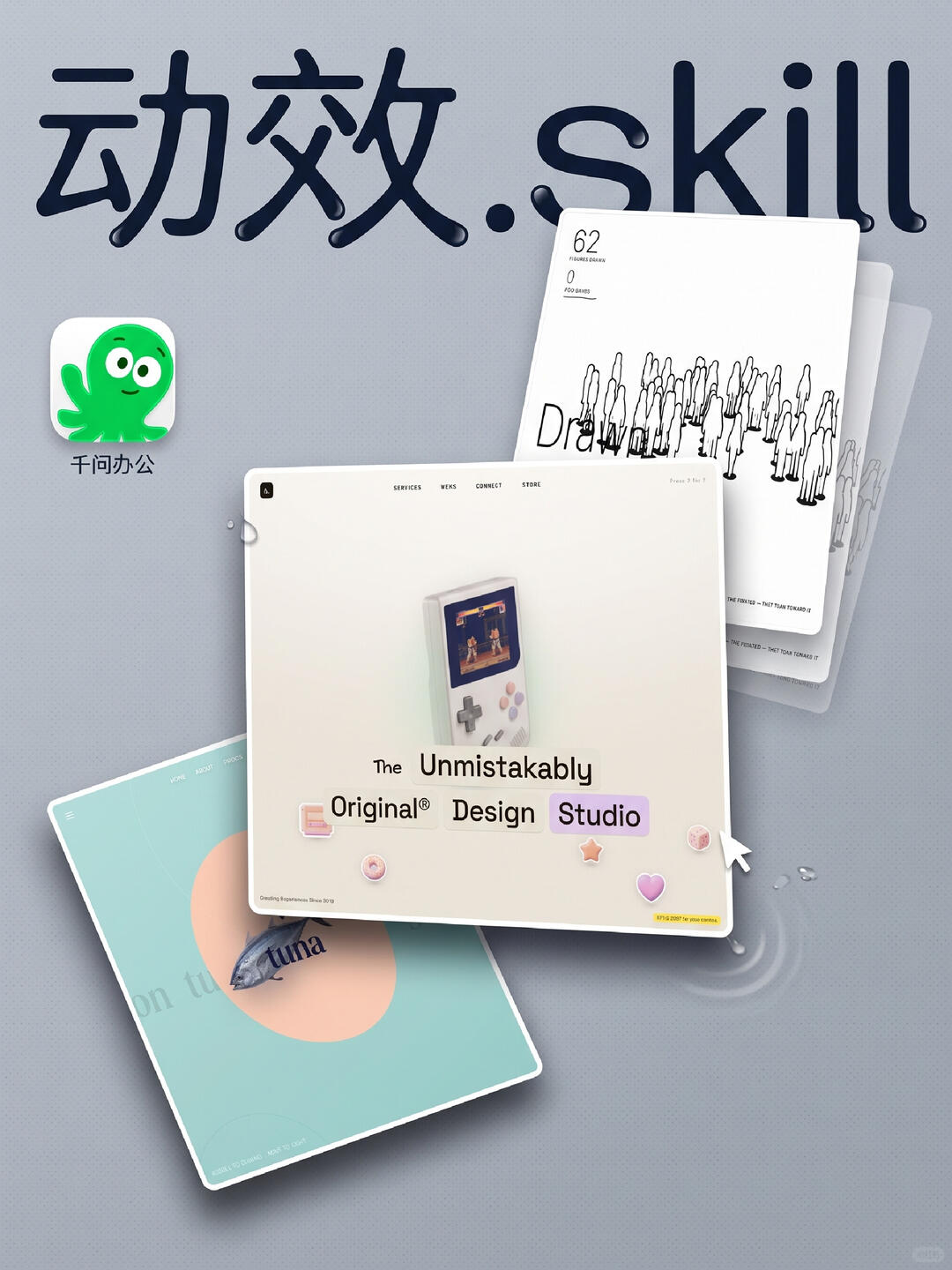
- The image functions as a visual demonstration or promo for the motion-related asset: it displays the label “动效.Skill”, the Qianwen Office icon, stacked UI cards (navigation items SERVICES / WERS / CONNECT / STORE), a Game-Boy style image, the number “62” on a white card, and water-drop / ripple visual effects. The image supports the claim that the skill targets UI/visual motion styles but does not show explicit API calls or command sequences.
Suggested usage steps tied to the described skill (these are general, trial steps based on the description and visible UI; exact commands/parameters must be verified):
1. Obtain/install motion-web in Qianwen Office (the source states the skill is packaged; exact distribution channel unknown).
2. Ensure Agent capability is available in Qianwen Office and can call installed skills (the source references using an Agent to create motion effects).
3. Select a motion recipe from the 20 provided, or open one of the 8 runnable cases for a starting example.
4. Map the recipe to your page layout components (cards, navigation, images) and adjust common motion parameters: duration, easing/ease curves, delays, layers, opacity/reflectivity, and ripple/drop intensity. The source references “recipes” and “hard specs” but does not list parameter names.
5. Use the Agent to run or preview the selected recipe; iterate according to the 74 hard specifications and the 17 rules addressing AI-like visual artifacts.
6. Export or embed the resulting motion assets per the integration options provided by Qianwen Office/motion-web (export format and mechanism need to be confirmed).
Prerequisites and items to verify before attempting reproduction:
- Prerequisites: access to Qianwen Office with permissions to install or enable skills; Agent feature available in the workspace; assets or mockups to which motion recipes will be applied.
- Items to verify:
1) How to obtain and install motion-web (marketplace, manual import, or repo);
2) Agent invocation interface and accepted parameters within Qianwen Office (how to reference a recipe, pass component selectors or assets);
3) Exact parameter/field names for the recipes, rules, and hard specifications (the source states counts but not the schema);
4) What the 8 runnable cases output (live preview inside Qianwen Office, exported CSS/JS, or motion script), and their runtime requirements;
5) Licensing and permitted use of motion-web assets (commercial restrictions, resource attribution).
Closing note:
- The above interpretation is constrained to the provided summary and the visible image evidence and avoids asserting unverified implementation details. To proceed with concrete implementation steps, provide the motion-web installation/usage documentation or screenshots showing the Agent call interface and recipe/parameter schema.