
Self-funded ¥2000 Iteration Test: Open-sourcing my Vibe Knowledge Showcase Skill — stable, efficient one-click output
Learn to clone and configure the open-source Vibe Knowledge Showcase Skill at https://github.com/AzenYes/leaderai-media-toolkit, follow the knowledge-base (Chapter 3, third document) and set up Opus 5.5 / Fable 5.1 credentials or credits (see https://www.leaderai.top). Includes configuration steps, required checks and troubleshooting points. Verify exact dependencies and commands in the repository README.
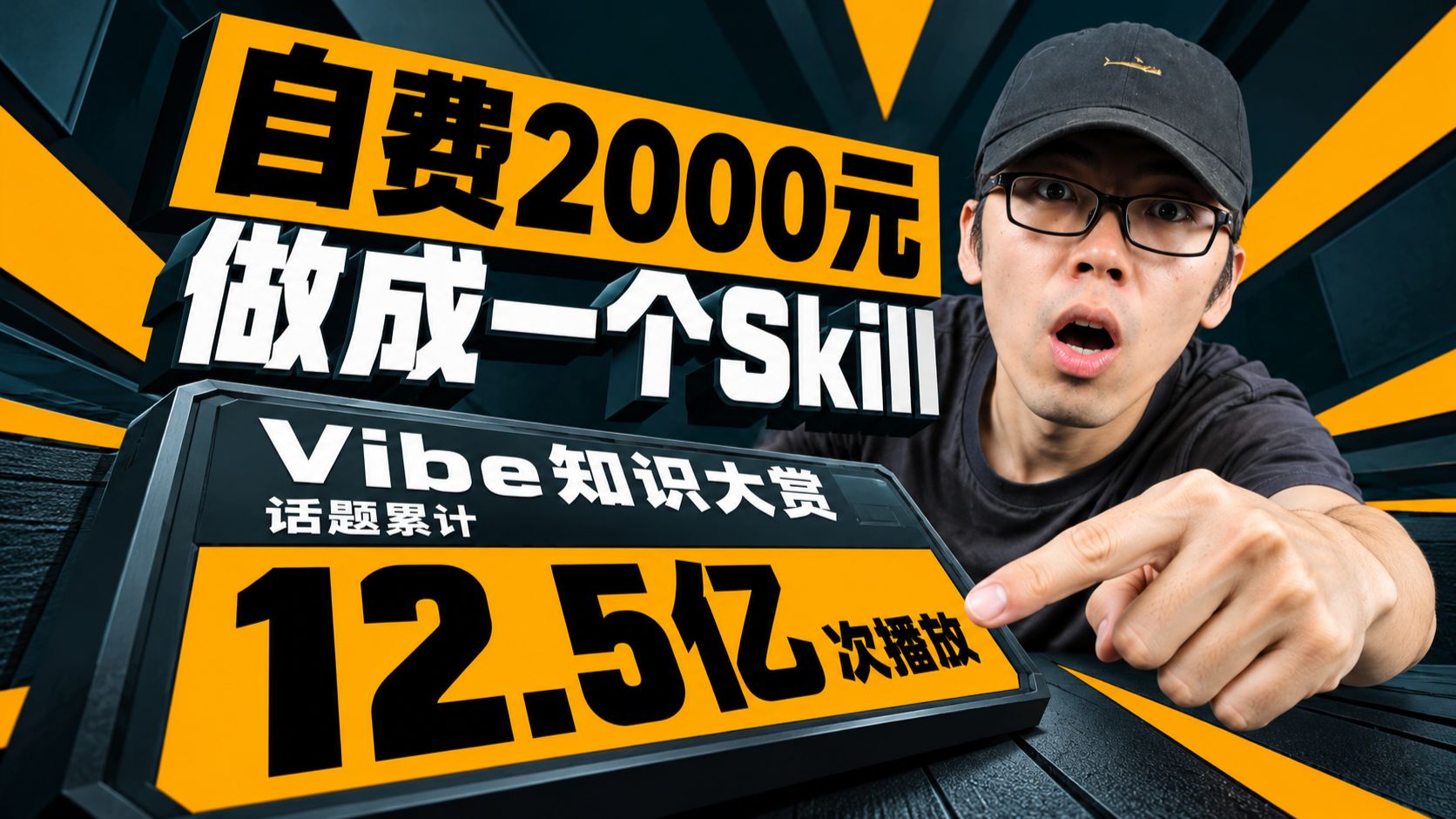
Image Analysis
Image 1 — Evidence summary
Facts (readable or objectively visible in the image):
- Readable text (top-to-bottom, left-to-right):
- Top yellow rectangle large text: 自费2000元 (Self-funded ¥2000)
- Middle large white 3D text: 做成一个Skill (Made into a Skill)
- White text on screen/panel: Vibe知识大赏 (Vibe Knowledge Showcase)
- Smaller white text under panel: 话题累计 (Topic total)
- Large numbers/text in bottom orange area: 12.5亿 次播放 (1.25 billion plays)
- Layout and composition:
- High-contrast palette using black, dark teal/navy, orange-yellow and white.
- Text is bold, 3D with black shadow or stroke; yellow backgrounds highlight top and bottom key info.
- Left side shows an information board/stand graphic; right side shows a person facing the camera.
- Visible scene/subject details:
- A person on the right wearing a black hat and black-framed glasses (features: light stubble, mouth open, expression of surprise/emphasis).
- The subject’s right hand (appearing left to the viewer) points forward with the index finger at the large bottom number “12.5亿次播放”.
- Radiating yellow stripes from center outward create emphasis.
- Overall style is high-contrast, exaggerated—typical of social/video platform thumbnails.
- No clear UI steps or interaction elements (no visible buttons, step numbers, or form fields).
Unreadable or uncertain elements:
- A small gold emblem or graphic on the hat cannot be identified as text or a clear symbol.
- Small edge/shadow text on the panel cannot be clearly read at the given resolution/view angle.
Inferred (reasonable interpretation based on image content, not direct evidence):
- The image likely serves as a thumbnail or promotional poster for a video or social content (inferred from exaggerated expression, pointing at metrics, big text showing plays and “Knowledge Showcase”).
- “12.5亿次播放” likely indicates accumulated plays for the topic or activity (inferred from placement next to “Topic total”).
- “Self-funded ¥2000 made into a Skill” can be interpreted as the content theme: the creator spent ¥2000 to produce a Skill (this is a semantic inference, not a directly readable fact in the image).
- The visual design aims to draw attention to the bottom large number using the subject’s pointing gesture (based on common thumbnail design).
Disclaimers and limits:
- No identification or naming of the person in the image; only visible appearance and actions are described.
- The “Facts” section records only readable text and visible phenomena; the “Inferred” section contains interpretations that are not direct image text.
SkillPI Creation Analysis
Purpose and deliverables:
- The video and accompanying materials aim to present that the author converted a “Vibe Knowledge Showcase” into an open-source Skill and provides configuration guidance. Deliverables include: the explanatory video, the relevant document located in the knowledge base (Chapter 3, third document), and the open-source repository at https://github.com/AzenYes/leaderai-media-toolkit.
Key image evidence (from image_text):
- The thumbnail text and layout state the author “self-funded ¥2000” and “made it into a Skill,” and highlight “Vibe Knowledge Showcase” and “topic total 1.25 billion plays.” These are visual signals supporting the video's promotional framing but do not confirm technical implementation details or financial outcomes.
Practical steps to use the linked Skill (derived from the summary and repository/knowledge-base cues; exact commands and dependencies must be verified in the repo README):
1. Clone the repository: https://github.com/AzenYes/leaderai-media-toolkit
2. Open the knowledge base: navigate to Chapter 3 and open the third document referenced in the video for configuration and usage instructions.
3. Obtain any required credits or account info on https://www.leaderai.top (the summary notes Opus 5.5 and Fable 5.1 promotions and a 1000-credit offer in the site header).
4. Configure your runtime environment per the repository/knowledge-base instructions (install dependencies, set API keys/tokens, populate configuration files).
5. Run the provided script(s) or Skill interface to trigger the “one-click” output workflow; if issues occur, provide screenshots as suggested in the video for diagnostics.
Reproduction prerequisites and known dependencies (must be checked inside the repository):
- Access to Opus 5.5 and Fable 5.1 services or credits (the summary mentions both models and credit acquisition routes).
- Cloning and following the README for https://github.com/AzenYes/leaderai-media-toolkit (specific runtime, language, and dependency versions are not listed in the summary).
- Following the knowledge-base document at Chapter 3, document 3 as indicated by the video.
Items to verify (cannot be confirmed from the provided summary alone):
- Exact installation commands, dependency names and versions (e.g., Node/Python versions, library names and versions) in the repo.
- Whether the “one-click output” is implemented as a single script/CLI or as a multi-step pipeline.
- Detailed breakdown of the stated ¥2000 cost (what it covered) — the image is promotional and not a technical receipt.
- Actual runtime costs, API quotas, and consumption model for Opus/Fable when using the Skill.
- Whether the repository includes example configuration files and test data enabling direct replication.
End with verifiable facts, operation outcomes, or items to check.