
[Recommended Save] 2026 Most Practical Skills List
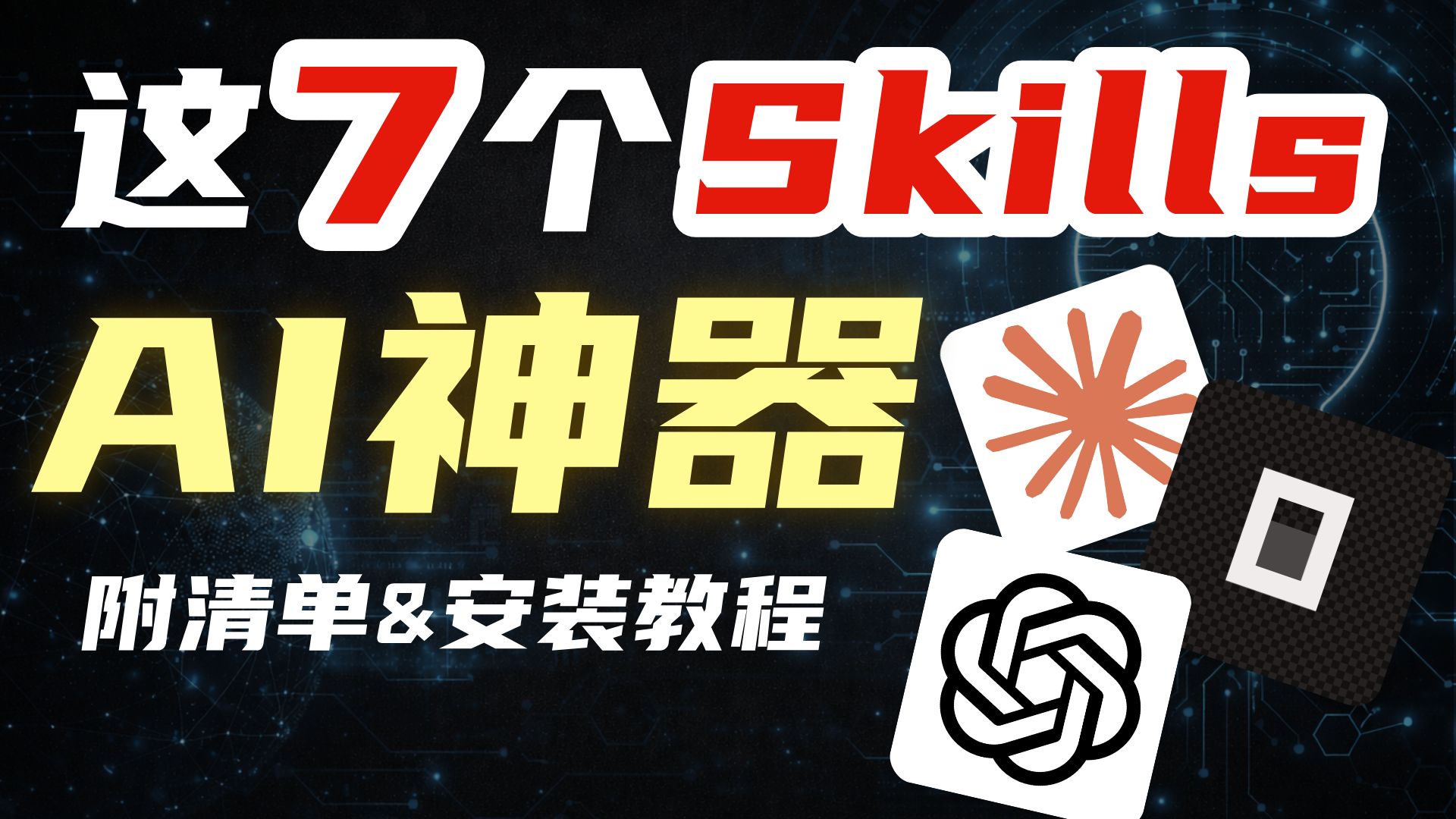
This video thumbnail promises a checklist of “these 7 skills” plus installation tutorials. Learn where to find the checklist and install links in the video description, how to match thumbnail icons to items, and the general workflow for downloading and installing the listed AI tools. Check the original video for concrete links and step-by-step instructions: https://www.bilibili.com/video/BV1N5foBjE5K.
Image Analysis
Image 1 — Evidence collation
1. Facts (readable text in the image, interface elements, chart data and visible phenomena)
- Readable text (recorded top-to-bottom, left-to-right, preserving original form):
- 这7个skills
- AI神器
- 附清单 & 安装教程
- Visual elements and layout:
- Dark (nearly black) background with star dots and circuit/ network-style patterns, including several light points and grid lines; semi-transparent spherical globe or network sphere motifs on left and right.
- Top text “这7个skills”: the Chinese characters “这” and “个” are solid white bold, the digit “7” is red, the English word “skills” is red, all with white stroke/border; typeface is bold.
- Center-left large yellow text “AI神器” with bright yellow color and outer glow effect.
- Lower text in bold white “附清单 & 安装教程”, which uses the English ampersand “&”.
- Three tilted rounded-square icons stacked near the lower-right (top to bottom / overlapping order):
1. A white-background icon with an orange radiating shape in the center (like multiple rays forming a flower-like shape).
2. A dark (near-black) square with a checkerboard texture, center containing a white square inside which are smaller dark/black blocks.
3. A white-background icon with a central black interwoven/knotted ring pattern (thick geometric intertwined lines forming a loop).
- Text and icons have drop shadows or glow highlights; overall visual style is promotional (thumbnail/cover design).
- Interface steps: no step numbers, buttons, menus or interactive UI elements visible in the image (no identifiable UI operation steps).
- Chart data: no tables, axes, numeric lists or chart graphics are shown in the image.
2. Unrecognizable or uncertain content (explicitly noted)
- The three rounded-square icons on the right have no labels or provenance; the specific apps/services they represent are not identifiable from the image alone.
- If any additional small-text content (e.g., copyright or author credits) exists near the image edges or in small font, none was found or legible within the current visible crop and is therefore considered missing/unreadable.
3. Inferences (reasonable assumptions based on the image — these are inferences, not confirmed facts)
- The image is likely a video thumbnail or article cover used to promote “7 AI-related skills or tools”, promising an attached checklist and installation tutorial.
- The three icons on the right may correspond to several AI tools or service brand marks, but no text is provided to confirm specific products or companies.
(End)
SkillPI Creation Analysis
Intended use of the item:
- The resource functions as promotional cover art or thumbnail for a video that promises a list of “these 7 skills” and accompanying installation guides. The full video page should contain the video content and description where the checklist or tutorial links may be located. Source URL: https://www.bilibili.com/video/BV1N5foBjE5K (video ID BV1N5foBjE5K).
Key image evidence:
- The thumbnail explicitly displays the phrases “这7个skills”, “AI神器”, and “附清单 & 安装教程”, plus three unlabeled square icons — this provides visual evidence that the content claims to deliver a checklist and installation instructions.
- The image does not include any readable tool or service names, version numbers, download links, or step-by-step UI instructions.
Steps to use associated skills (generic, based on the thumbnail’s promise; specific details must be verified in the video/description):
1) Open the video page at https://www.bilibili.com/video/BV1N5foBjE5K and read the video description and pinned comments for links to the checklist or installation guides;
2) Download or open the checklist file if provided by the author;
3) Match items in the checklist to the thumbnail icons where possible (note: icons are unlabeled in the image and require confirmation in the video/content);
4) Follow the author-provided installation instructions for each listed tool, ensuring you meet any stated system requirements or dependencies;
5) Run any verification steps or example usages the author provides to confirm successful installation.
Reproduction prerequisites:
- Access to the original video and its description or external links where the checklist/tutorial may be hosted;
- A device/environment that fulfills the tutorial’s system requirements (OS, dependencies, permissions);
- Permissions or accounts required to download or use listed tools if they are not freely distributed.
Items to verify (missing or not directly confirmable from the image):
- Which specific tools or services the three unlabeled icons represent (not identifiable from the thumbnail alone);
- The full content of the checklist and the exact installation steps for each tool (thumbnail only promises these; the actual tutorial must be checked in the video/description);
- Whether installation packages are official releases, third-party wrappers, or scripts; and any license/version compatibility info.
Note: The provided material is a channel summary and a thumbnail image. Because the source does not include the full tutorial text or explicit tool names, the above steps remain generic and require checking the original video content for concrete, verifiable instructions.