
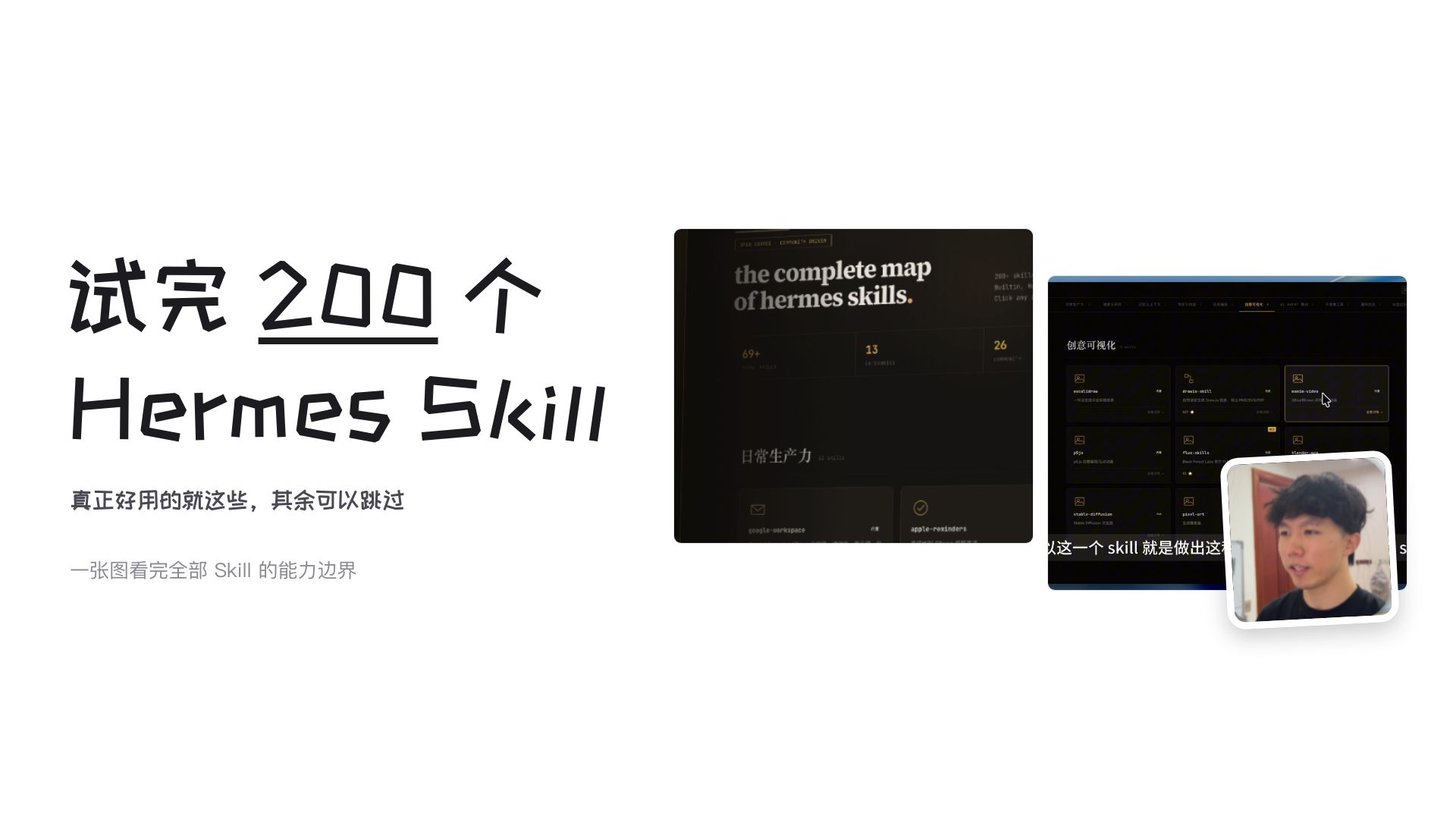
Tried 200 Hermes Skills — these are the ones actually useful.
Use the interactive Hermes Skill atlas from codesstar to browse ~70 curated Skills, view each Skill’s install command, usage notes and GitHub link, and filter by platform (Hermes, Claude Code, OpenClaw). Browse: https://codesstar.github.io/hermes-skill-atlas/ — source & contribute: https://github.com/codesstar/hermes-skill-atlas.
Image Analysis
Image 1 — Readable text, UI steps, chart data and visible phenomena (organized as requested)
1) Facts (directly readable or visible):
- Left large handwritten title:
- “试完 200 个” (the “200” is underlined)
- “Hermes Skill” (in English, handwritten style)
- Small gray paragraph in the left center:
- “真正好用的就这些,其余可以跳过” (Only these are really useful; the rest can be skipped)
- Smaller gray line at bottom left:
- “一张图看完全部 Skill 的能力边界” (See the skill capability boundaries at a glance)
- Right side dark UI screenshot (large, vertical):
- Top readable English title: “the complete map of hermes skills.”
- Below are three adjacent numeric values (left to right visually):
- “69+”
- “13”
- “26”
- Screenshot uses a dark theme with card-style layout (small detail text; some unreadable — see “unreadable/incomplete” section)
- Another dark UI screenshot on the right (horizontal, foreground, right):
- Readable Chinese module name at top left: “创意可视化” (Creative visualization)
- The screenshot contains several rectangular cards; each card has a small icon, title and secondary info (secondary text mostly too small to read)
- A partially visible line of subtitle/text below the horizontal screenshot shows excerpted text: “以这一个 skill 就是做出这…” (using this one skill to produce this…)
- A visible mouse pointer (arrow) points to the upper-right area of a card
- Rounded portrait photo in the lower-right with white border:
- A color half-body/headshot facing the camera (no identifiable personal information)
- Visual/layout features:
- Two-column layout: left large title and summary, right stacked dark UI screenshots with an overlaid portrait photo
- “200” is underlined for emphasis
- Dark UI uses card layout and highlights numbers or markers in light/yellow tones
2) Inferences (reasonable but not directly stated):
- The numbers “69+”, “13”, and “26” likely represent counts (e.g., number of skills, categories, examples), but the image lacks labels to confirm their exact meanings.
- The two dark UI screenshots may be different pages/areas of the same product/platform (left for an overall map, right for a specific skill card list).
- The presence of a mouse pointer indicates a desktop/web screenshot.
- The overlaid portrait may be the author/host or a video overlay; identity is not provided by the image.
3) Unreadable or incomplete content (locations and why):
- Small text under the numbers in the vertical dark screenshot (e.g., under “69+”) is too small/low contrast to read (location: beneath each number in the vertical screenshot).
- Many card titles and secondary texts in the horizontal screenshot are too small or obscured by shadow to read (location: card area of the horizontal screenshot).
- Top navigation text in the horizontal screenshot (if present) is blurred and unreadable (location: top of horizontal screenshot).
- The subtitle/text line under the horizontal screenshot is partially clipped; only “以这一个 skill 就是做出这…” is visible (location: bottom of horizontal screenshot).
- Any small labels/buttons above the vertical screenshot title are blurred or unreadable (location: top edge of vertical screenshot).
- Details in the portrait (name, background text) are not readable and identity must not be inferred (location: lower-right rounded portrait).
SkillPI Creation Analysis
Purpose:
- The source summarizes an audit of Hermes Skills where the author screened ~200 items and highlighted ~70 recommended Skills, then created an interactive atlas to index them. The atlas and repository are available at https://codesstar.github.io/hermes-skill-atlas/ and https://github.com/codesstar/hermes-skill-atlas.
Image evidence (verifiable points):
- The left panel contains a headline and short description; the right shows two dark-themed UI screenshots. The vertical screenshot displays the phrase “the complete map of hermes skills.” and the numbers “69+”, “13”, and “26” (the image does not label what those numbers indicate).
- The horizontal screenshot shows a module labeled “创意可视化” (creative visualization) and a list of skill cards; a mouse pointer indicates web-based interaction.
Steps to use the atlas and attempt installing a Skill (based only on information in the source):
1) Open the atlas: visit https://codesstar.github.io/hermes-skill-atlas/.
2) Browse or filter by platform/function: use the site UI to find Skills tagged for Hermes, Claude Code, or OpenClaw. Each entry should list an install command, usage notes, and a GitHub link.
3) Follow the listed install command and the target Skill’s README on GitHub to perform installation/configuration on your environment. The site provides indexing and links; the authoritative install steps are in each Skill’s repository.
4) If you have a useful Skill to contribute, open a PR at https://github.com/codesstar/hermes-skill-atlas following the repo’s contribution guide.
Prerequisites to reproduce a Skill locally:
- Access to the atlas site and to the Skill’s GitHub repository.
- Necessary platform access/credentials for Hermes, Claude Code, or OpenClaw, and a runtime environment capable of running the install command(s).
- Ability to follow per-repository README instructions, including installing dependencies and configuring any required keys or environment variables.
Items that must be verified (not directly confirmable from the source):
- The exact meaning of the numbers “69+”, “13”, and “26” — the image does not label them.
- For each listed Skill: whether it truly supports Hermes, Claude Code, and/or OpenClaw as claimed; check the Skill’s GitHub and documentation for platform compatibility details.
- Whether an install command requires additional configuration steps, secrets (API keys), or platform-specific setup; verify in each Skill’s README.
Note: The provided material is a summary, not a per-Skill reproducible guide. To reproduce or run any specific Skill, open that Skill’s listed GitHub link and follow its project documentation. The author indicates follow-up video demonstrations may show install/use examples; check the video thread or repository for updates.