
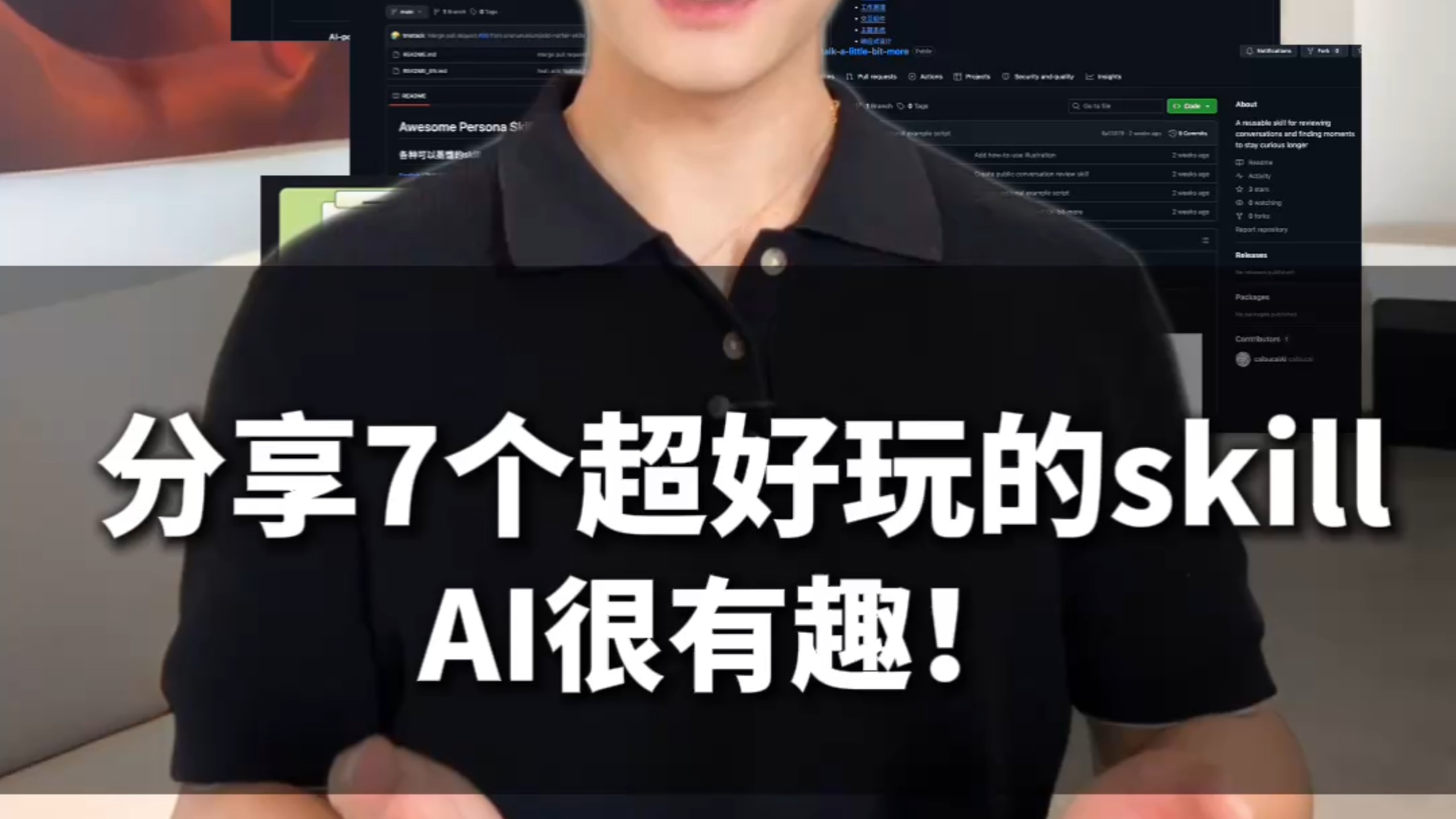
Sharing 7 fun skills — AI is interesting! #AI #large_models #AI_tools #skill_share #JiangXuezhang
Step-by-step guide to locate the repository linked from the video (https://www.bilibili.com/video/BV1NFTC6mETm/), inspect README, About, Releases, Packages and Contributors, clone the code, check dependencies and run examples. Reproduction requires the actual repo link and specific skill names to be confirmed first.
Image Analysis
Source note: image source not provided or incomplete (no source ID or URL).
Image 1 — Observable facts (directly readable or clearly visible):
SkillPI Creation Analysis
Purpose and overview:
- The image appears to be a video thumbnail indicating a video that shares “7 fun skills” related to AI. The background shows a GitHub-style repository page with readable UI labels “About”, “Releases”, “Packages”, and “Contributors: 1”, and a partial repo text “Awesome Persona S…”. This material is useful as a starting point for: tracing a video to a linked repository, verifying repository metadata and releases, and assessing whether the examples in the repo can reproduce the skills demonstrated in the video.
Key visible evidence:
- Title text: “分享7个超好玩的skill” and “AI很有趣!”.
- Background: GitHub-style UI with “About”, “Releases”, “Packages” and “Contributors: 1”.
- Partial repository text: “Awesome Persona S…”, likely a truncated repo name or README header.
- Foreground: presenter’s torso (lower face visible), semi-transparent horizontal bar over chest.
Recommended verification and reproduction steps (without inventing unverified skill names):
1) Obtain source links: open the video page at the provided source URL (https://www.bilibili.com/video/BV1NFTC6mETm/) and check the video description, pinned comments, or video text overlay for a GitHub repository link or other resource links.
2) Open the repository (if linked): confirm repository homepage data—README, repo name, About box, Releases, Packages, and Contributors. Use the visible clues “Awesome Persona S…” and “Contributors: 1” to help locate the correct repository if no direct link is provided.
3) Read documentation: find README, docs, CHANGELOG, and any example or demo directories. Look specifically for dependency files such as requirements.txt, environment.yml, Dockerfile, or setup.py to learn how to install and run examples.
4) Prepare environment and run examples: clone the repository using Git, create an appropriate virtual environment (e.g., Python with pip or conda—exact versions must be taken from the repo docs), install dependencies, provide any required API keys or model credentials (if applicable), and run the example scripts or notebooks according to the README.
5) Record execution results: capture terminal outputs, errors, and the behavior of example scripts to evaluate whether the video’s demonstrated skills can be reproduced.
6) Check releases and license: review the Releases page for downloadable artifacts and the repository LICENSE file to confirm reuse permissions; note contributor count (image shows “Contributors: 1”).
Prerequisites and cautions:
- Required items to reproduce: the repository URL (from the video page), concrete names of the 7 skills or example paths, and the repository’s README instructions.
- Typical environment needs: Git, an appropriate Python runtime and package manager (pip/conda), possible hardware (GPU) or external API keys. The exact versions and requirements must be obtained from the repository, as the image does not show them.
- Unverified items that must be checked:
- Exact names and implementations of the 7 skills (the image only states “7 个 skill”).
- Full repository name (image shows partial “Awesome Persona S…”).
- Whether the repository publishes releases or packages with runnable artifacts and whether any private services or paid APIs are required.
Summary (facts vs. items to confirm):
- Fact: the thumbnail indicates a video that purports to share 7 AI-related skills; the background shows a GitHub-like repo page with “About”, “Releases”, “Packages”, and “Contributors: 1”, and partial text “Awesome Persona S…”.
- To reproduce the demo examples and verify the skills, obtain the repository link from the video page (https://www.bilibili.com/video/BV1NFTC6mETm/), confirm the README and dependency files, and follow the repository’s run instructions. Specific skill names and implementation details must be confirmed from the video description or the linked repository before attempting full reproduction.