
GitHub 210k stars! 14M+ downloads — Skills to stop AI writing trash code blew up!
Learn how to find and integrate Matt Pocock’s 23 Prompt Skills into your prompt/agent workflow. This guide explains locating the canonical prompts, using /grilling to prompt clarifying questions, /writing-for-agents to condense specs for agents, and /prototype to generate UI prototypes. Includes integration steps, test advice, and verification items (verify official repo and invocation syntax).
Image Analysis
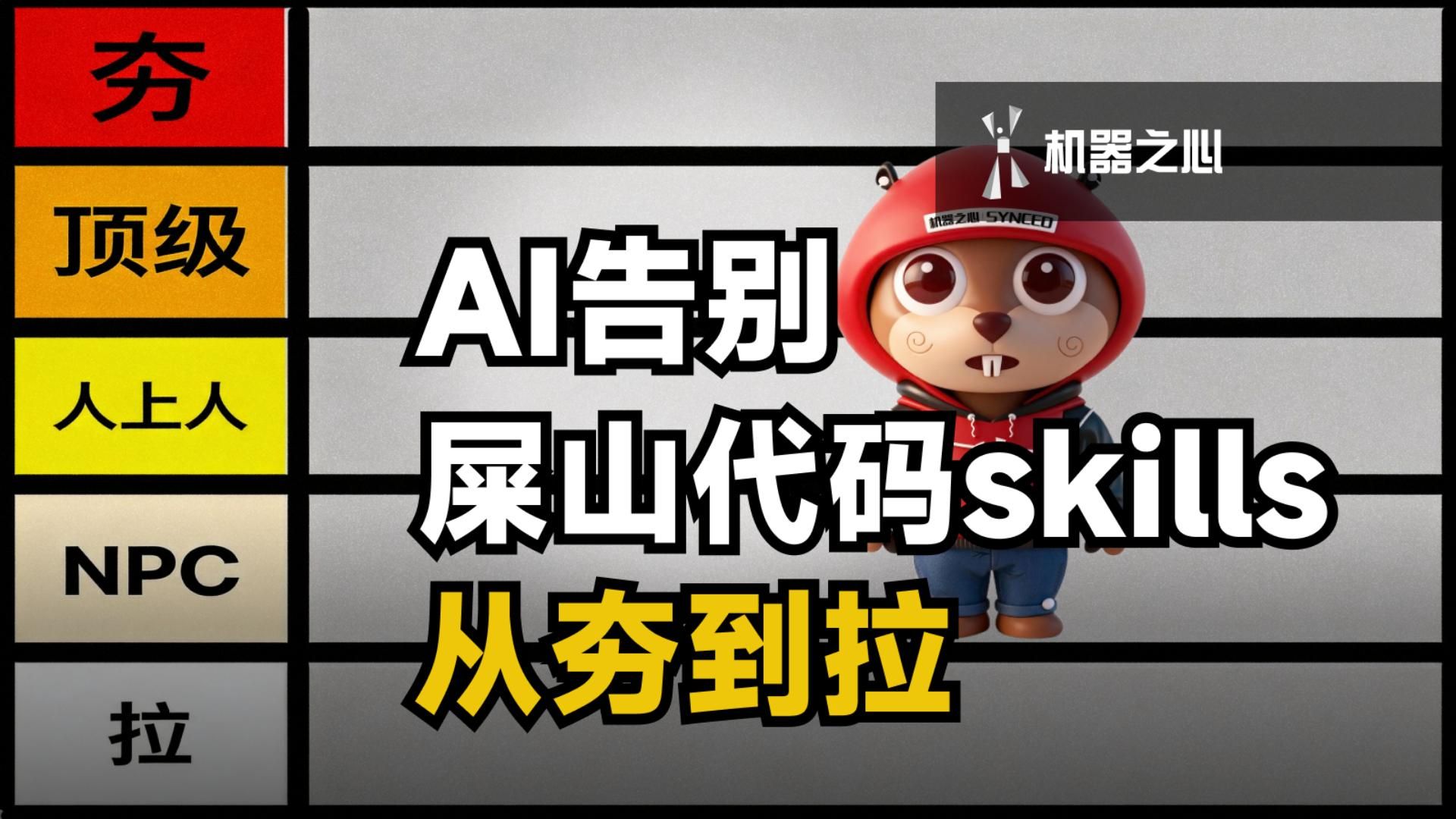
Image 1 — Facts (directly readable / visible content)
- Left ranking column (top to bottom, colored blocks and labels):
- Top red block, large characters: 夯 (clear glyph).
- Next orange-yellow block: 顶级.
- Next yellow block: 人上人.
- Next beige block: NPC (uppercase Latin letters, clear).
- Lowest visible block: 拉 (clear glyph).
- Main/right large title text (mixed black-outline white fill and yellow fill, overlapping the character):
- Large text (white background black border): AI告别
- Following line (white background black border, mix of Chinese and Latin letters): 屎山代码skills
- Bottom large text (yellow with black border): 从夯到拉
- Top-right dark gray banner:
- White text: 机器之心 (together with a white mark on the left of the banner).
- Banner contains a white graphic mark (abstract person or logo-like).
- Character and details:
- A cartoon anthropomorphized animal character slightly right of center, wearing a red helmet/hat; small white text is present on the helmet (some Latin letters/Chinese; see “unreadable” below).
- Character features: large eyes, protruding front teeth, spiral blush on cheeks, wearing a red-and-black hoodie and shorts, standing pose.
- Background and layout:
- Overall horizontal segmented layout with thick black horizontal separators; left column contains vertical color-label blocks (ranking style); right side shows gray background with the character and overlapping title.
- Visual style uses bold black-outline fonts and high-contrast color blocks, resembling a “ranking/graded list” poster.
Image 1 — Inferences (not directly read, reasonable interpretation from layout)
- Left color blocks form a ranking/grade list (e.g., best→average→poor top-to-bottom), a graded-list visual.
- Title likely discusses ways/skills for "AI to stop producing trash code," using the phrasing "from 夯 to 拉" as a metaphor or summary (semantic inference).
- Top-right "机器之心" likely indicates the producing media/brand (inferred as the channel or publisher).
- Small text on the helmet may indicate a brand/credit/partner label (inferred, not fully legible).
- The English word "skills" in "屎山代码skills" is partially covered; while readable, it may be obscured and therefore considered possibly "skills."
Unreadable or incomplete items
- Small text near the top-right gray banner alongside the icon is legible as "机器之心," but the banner’s other tiny annotations or edges are not fully readable within the crop.
- Small white text on the character’s helmet could be "机器之心 SYNCEED" or similar, but the letters and order are fuzzy and cannot be confirmed.
- There may be additional text or graphics at the right or bottom of the image outside the crop not visible here; consider the image information incomplete.
Interactive steps or data
- No discernible UI controls, buttons, numeric tables, or charts. The image is a static cover/poster layout and does not show operational interface steps or quantifiable data.
SkillPI Creation Analysis
Purpose and source summary
- Source: video at https://www.bilibili.com/video/BV1dSg56hESN/. The summary states that Matt Pocock (a TypeScript engineer/author) condensed nearly 10 years of engineering experience into 23 Prompt Skills intended to reduce AI-generated low-quality code. The video highlights several named commands such as /grilling, /writing-for-agents, and /prototype, and mentions large documentation and feature updates.
Image evidence
- The thumbnail is a ranking-style poster: a left column of graded color blocks (labels like 夯/顶级/人上人/NPC/拉), a central/right title overlapping a cartoon character, and a top-right brand mark reading “机器之心.” The thumbnail functions as promotional art and does not provide runnable UI or step-by-step operational screenshots, so it is not sufficient as a functional implementation guide.
Steps to use the related Skills (reasonable procedural outline based on the summary, not a verified how-to)
1) Locate the canonical source: consult the author’s official repo or documentation for the 23 Prompt Skills (the summary references Matt Pocock and 23 skills; no repository URL is provided in the summary — verify in the video description or author pages).
2) Read each Skill’s description and examples: determine what each Skill is designed to do and its expected input/output. For instance, /grilling is described as a way to have the AI ask clarifying questions, /writing-for-agents as a way to condense specs for agent consumption, and /prototype as a quick UI-prototyping helper.
3) Integrate into your prompt/agent workflow: import the prompt templates or code snippets into your prompt runner, conversational agent, or system that orchestrates LLM calls. Confirm the invocation method (e.g., slash command /skill-name vs function call) and any required context.
4) Test with small examples and iterate: run sample prompts, check whether the model’s responses include expected clarifying questions, condensed specs, or UI variations, and refine the templates or surrounding instructions accordingly.
Reproduction prerequisites and items to verify
- Prerequisites: access to the 23 Prompt Skills’ templates or source (not provided in the summary), an environment that accepts custom prompts or extensible agents, and familiarity with prompt engineering and the engineering context the author targets (author’s background is TypeScript, which may influence examples).
- Items to verify before operational use:
- Exact repository or documentation link and license terms (summary lacks these details).
- Precise invocation syntax, parameters, and I/O formats for each Skill.
- Compatibility or existing adapters for agent frameworks you use (the summary does not list supported platforms).
- The specific content of the mentioned documentation and feature updates.
Limits and verification note
- This interpretation summarizes the video description and the thumbnail content and outlines plausible integration steps. It does not assert that the Skills will produce any specific result or can be replicated without consulting the official repository/documentation. For executable examples and precise integration instructions, refer to the author’s official materials (verify via the video or the author’s published links at the source URL: https://www.bilibili.com/video/BV1dSg56hESN/).