
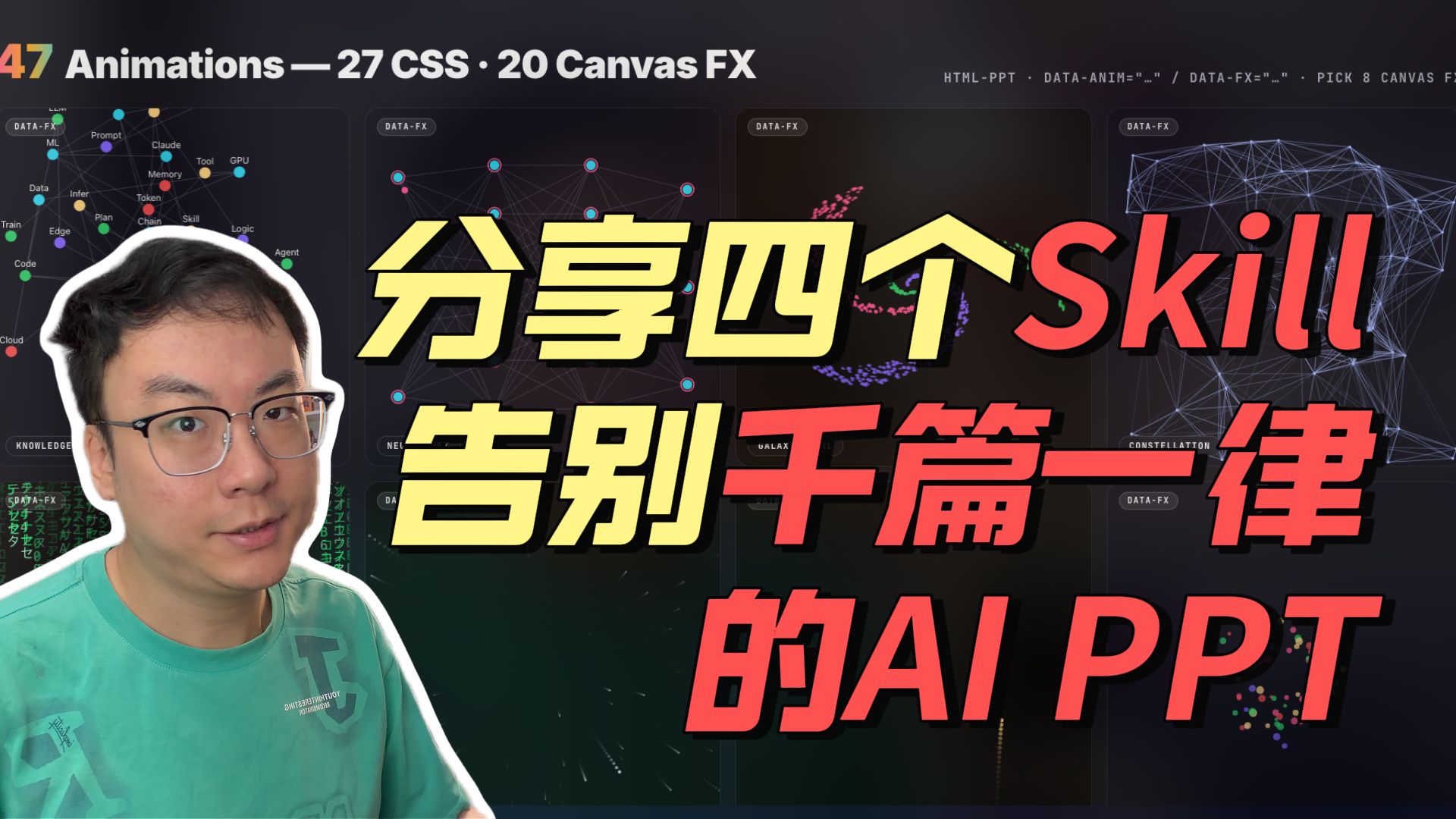
Share Four Skills to Make Your PPT Flawless
Learn four open-source techniques to upgrade AI-themed PowerPoint visuals: how to find and reuse web animations (CSS and Canvas), configure animation attributes, and export or embed web animations into PowerPoint. Video/description likely contains example repos referenced by keywords like "47 Animations" and "HTML-PPT"—verify the linked code to reproduce results.
Image Analysis
Figure 1 — Itemized evidence
1. Facts (directly readable or objectively visible text, UI elements, chart data and phenomena)
- Top large title (top-left):
- "47 Animations — 27 CSS • 20 Canvas FX"
- The number "47" is large, colored (gradient); the rest is white text.
- Top-right (partially visible, cropped):
- Visible text (recorded verbatim): "HTML-PPT · DATA-ANIM=".." / DATA-FX=".." · PICK 8 CANVAS F..."
- The right end of this line is clipped and incomplete.
- Multiple panels have small rounded labels at their top: "DATA-FX" (visible on several panels' top-left corners).
- Middle-right lower panel text:
- "CONSTELLATION" (visible, uppercase), with a "DATA-FX" label below.
- Left network-node panel (node labels readable in the image, listed):
- "ML" (or possibly "LLM" as noted below under unreadable), "Prompt", "Claude", "Tool", "GPU", "Memory", "Token", "Chain", "Skill", "Logic", "Agent", "Infer", "Data", "Train", "Edge", "Plan", "Code", "Cloud".
- These node texts appear as small white/light text on a dark network background; nodes are colored dots connected by lines.
- Large overlaid Chinese and English text slightly right of center (hero copy, prominent size and color):
- Yellow large characters: "分享四个"
- English red large word: "Skill" (next to the Chinese characters)
- Yellow/red mixed large characters: "告别千篇一律"
- Red large characters: "的AI PPT" ("AI PPT" uses Latin letters and space).
- Lower-left small label (possibly a panel title or category):
- Readable as "KNOWLEDGE" (near the left-bottom panel, small mixed-case text).
- Person and visual elements:
- Foreground lower-left shows a bespectacled adult face (upper-body crop), wearing green/teal clothing, outlined with a white cutout. The person faces slightly up-right.
- Background and interface phenomena (objectively visible):
- Dark (near black/dark grey) background divided into vertical panels, each containing different visualizations: node networks, particle swarms, connective nebulae—Canvas-style effects.
- Colored nodes, connecting lines, and particle distributions appear in multiple places, evoking data-visualization/network/galaxy effects.
2. Unreadable / partially occluded text and elements (marked as unconfirmable)
- Top-right truncated line: "PICK 8 CANVAS F..." (incomplete due to cropping).
- Very small text in the left network panel: some node labels are too small or overlapped to fully confirm (e.g., possible "LLM", "GALAXY", "NEURAL", but characters are unclear).
- Small headings/subtitles in center and right panels (e.g., fragments "GALAX...", "NEU...") are truncated or blurred and cannot be fully transcribed.
- The contents inside quotes for "DATA-ANIM=... / DATA-FX=..." at the top-right are omitted as ellipses in the image and cannot be read.
3. Inferences (marked as inferred, not directly readable in the image)
- The image is likely a video thumbnail or promo still for content titled "Share four Skills", related to producing AI-themed PPT visuals or animations (based on "的AI PPT", "47 Animations", and multiple Canvas/data-visual panels).
- The multi-panel network/particle visuals may belong to an interactive demo or library named HTML-PPT that supports configuration via DATA-ANIM and DATA-FX attributes (inferred from the partial text "HTML-PPT · DATA-ANIM=... / DATA-FX=...").
- The hero copy "分享四个 Skill 告别千篇一律的 AI PPT" implies the video teaches four techniques to improve AI-themed PPT design.
- The pictured person is likely the presenter or channel host, but identity and name cannot be determined from the image and must not be assumed.
4. Other visible but non-textual objective descriptions (to aid visual reproduction)
- Overall palette: dark background + bright hero colors (yellow, red) + colorful small nodes and connecting lines.
- Visual layering: foreground person cutout and hero text, midground multi-panel visualizations (network, particles, nebula), background dark texture with light particles.
- Typography: bold Chinese characters with drop/3D effect; English words "Skill" and "AI PPT" use bold Latin letters with shadow/outline to increase depth.
Note: This record documents visible text and interface/visual evidence in the image; ambiguous or occluded content is listed separately as "unreadable". Any operational instructions suggested by the image are not executed or reproduced here.
SkillPI Creation Analysis
Use case
- The thumbnail/promotional image signals a tutorial or demo that promises four open-source "skills" to improve PPT visuals and animations, aimed at creators who want faster, design-grade presentation slides for AI-themed content.
Image evidence (verifiable highlights)
- Readable strings and labels: "47 Animations — 27 CSS • 20 Canvas FX", "HTML-PPT · DATA-ANIM=... / DATA-FX=...", repeated "DATA-FX" labels, panel title "CONSTELLATION", and node labels such as "Prompt", "Claude", "GPU", "Token", "Skill".
- Visual style: multiple Canvas-like panels (network graphs, particle swarms, nebula effects), dark theme with bright hero typography and a foreground presenter image.
Practical steps to apply the approach shown (derived from visible technical cues; requires validating source code/examples):
1) Locate source materials: search for associated example repositories or the video description (keywords from image: "47 Animations", "27 CSS", "20 Canvas FX", "HTML-PPT", "DATA-ANIM", "DATA-FX").
2) Prepare environment: set up a working HTML/CSS/Canvas environment (editor, browser, optional local server) and obtain assets (fonts, images, particle scripts).
3) Inspect example configurations: find and review code sections that use DATA-ANIM or DATA-FX attributes to configure animations/effects; copy or adapt these snippets into your own HTML pages.
4) Export or embed: convert the web animations into formats suitable for PowerPoint—record/web-render to MP4 or GIF, or embed a web view if your presentation tool supports it.
5) Compose slides: layer exported animations in PPT with bold hero text and a presenter image; follow the visual hierarchy (large colored numbers/titles, bright accent colors on dark backgrounds) shown in the thumbnail.
Prerequisites for reproduction
- Basic to intermediate knowledge of HTML, CSS, and Canvas (or familiarity with the specific Canvas library used), plus tools to export web animations to video/GIF or embed web content in presentation software.
- Access to the original examples or repositories referenced by the video/thumbnail; the thumbnail alone doesn’t provide complete code or assets.
Items to verify (must be checked in the original video description or repo)
- The exact identities and repository URLs of the four open-source "skills" mentioned (the thumbnail does not list them explicitly).
- Whether a library named "HTML-PPT" exists for this purpose and the precise syntax/semantics of DATA-ANIM and DATA-FX (the thumbnail shows these tokens but their parameters are truncated).
- The complete list referenced by "47 Animations — 27 CSS • 20 Canvas FX" and whether example files are provided for each animation.
- Licensing and reuse permissions for the presenter image and any bundled assets.
Conclusion
- The thumbnail provides actionable cues: the tutorial likely demonstrates re-usable CSS animations and Canvas effects that can be exported or embedded into PowerPoint to create more dynamic AI-themed slides. Full reproduction of the shown effects requires locating and reviewing the video’s linked open-source projects or repositories to obtain the exact code and assets.