
GitHub August Open‑Source Top 10: 500+ GPT Image Prompt Library, DeepSeek Harness, AI-For-Beginners …
Step-by-step guide to find and start with August’s GitHub Top10 open-source projects (examples: awesome-gpt-image-2, deepseek-harness, AI-For-Beginners). Learn how to clone repos, reuse a 500+ GPT prompt library, set up an agent harness, follow a 12-week AI course, and convert docs into Agent skills. Includes checklist of environment prerequisites and items to verify in each repo README.
Image Analysis
Image 1 — visual evidence summary
Facts (readable/visibly present elements):
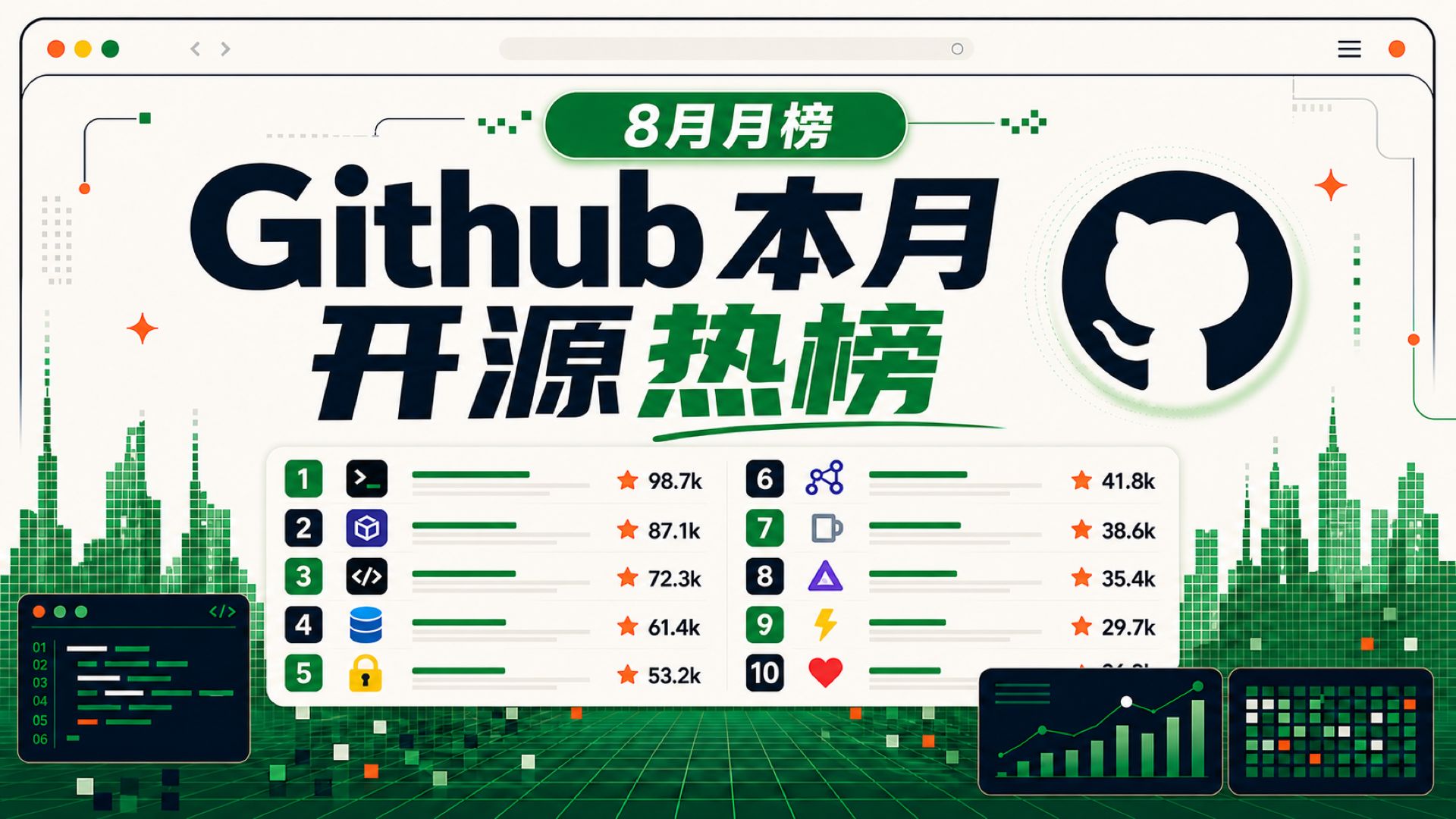
- Top-center green label text: "8月月榜" (August monthly list).
- Large central title (black and green): "Github 本月 开源 热榜" (GitHub monthly open-source hot list). "Github" is largest, "本月" next, and "开源热榜" highlighted in bold green.
- Right-side large circular icon: GitHub Octocat silhouette (white cat face outline on dark circular background).
- A white rounded rectangle area centrally lower contains the ranking list in two columns; each row shows a rank number, an icon, a green progress bar, and an orange star-shaped icon with a numeric value using "k" units. Visible items:
- Left column (top to bottom): ranks 1 to 5 with associated numbers shown (e.g., "98.7k", "87.1k" etc.).
- Right column (top to bottom): ranks 6 to 10 with numbers (e.g., "41.8k" through "26.3k").
- Each rank has a small colored icon on the left, e.g., rank 1 shows a terminal/command prompt style icon (">_"), rank 3 shows code brackets "</>", rank 4 shows a database cylinder, rank 10 shows a heart, etc.
- Each row has a green progress bar and faint gray placeholder text (not legible) to the right.
- Lower-left shows a simulated code editor window (dark theme) with line numbers "01"–"06" and highlighted colored code blocks; code text itself is not readable.
- Bottom center-right shows two small dashboard/chart components: left is a line + bar mixed chart trending upward; right is a grid/heatmap made of small squares with green/orange dots.
- Background decorations: pixelated skyline-like green blocks, grid floor perspective. Top-left shows a browser-style top bar with three dots (red, yellow, green), back/forward arrows and a hamburger menu.
- Small orange star decorations and green square accents appear across the design.
Unreadable or blurred content:
- The faint gray text labels next to progress bars are not readable (blurred/placeholders).
- Smaller descriptive labels near each rank icon are blurred and unreadable.
- Code text inside the editor window is highlighted but not legible—only line numbers are visible.
- Numeric labels around the small dashboards/chart components are blurred and unreadable.
- The address bar at the top is blank/illegible; no specific URL is readable.
Reasonable inferences (clearly marked as inference, not fact):
- The title and "8月月榜" suggest this is a monthly ranking of trending open-source projects on GitHub for August (inference).
- The orange star icons with values like "98.7k" likely represent GitHub star counts or similar popularity metrics (inference).
- Progress bars likely represent relative popularity/heat compared to the list’s top (inference).
- The left icons (terminal, cube, DB, lock, etc.) may indicate project types or categories (CLI, container, database-related, security, etc.) (inference).
- The code editor and bottom charts are decorative elements to convey development/data-visualization theme rather than interactive UI (inference).
Ignored items note:
- The analysis only records visible text, UI elements and apparent data; no actions were performed on the image and no hidden content was accessed.
SkillPI Creation Analysis
Purpose and audience:
- This item is a curated summary of August’s top open-source projects focused on AI and developer tooling. It is useful for designers seeking image-prompt inspiration, engineers building or extending agents, newcomers wanting a structured AI curriculum, and frontend developers looking to improve AI-generated code quality.
Image evidence (concise):
- Visual shows a two-column Top 10 list titled as "GitHub monthly open-source hot list (August)", with per-item icons, orange star-style numeric metrics (likely stars), green progress bars, decorative code editor and small charts. Many fine labels are blurred and should be verified on the actual repository pages.
Associated projects and practical steps to use them (based on the provided summary; verify specifics in each repo README):
- awesome-gpt-image-2
- How to use: open https://github.com/freestylefly/awesome-gpt-image-2, browse prompts and example renders, copy/adapt prompts into your image-generation workflow.
- Deliverable: a library of prompts and example images ready for prompt engineering.
- Verify: licensing of example images and recommended model/parameters.
- deepseek-harness
- How to use: clone https://github.com/deepseek-ai/deepseek-harness, follow README to install dependencies, configure models/tools/plugins, and run the harness to compose models, skills and UI.
- Deliverable: a pluginable agent harness for experimentation and integration.
- Verify: supported model list, runtime dependencies and sandbox/security features.
- AI-For-Beginners
- How to use: access https://github.com/microsoft/AI-For-Beginners, follow the 12-week, 24-lesson curriculum and run example notebooks/exercises.
- Deliverable: structured learning material and sample code.
- Verify: required runtime (Python version, libraries) for exercises.
- book-to-skill
- How to use: prepare documents or book files and run conversion tooling from https://github.com/virgiliojr94/book-to-skill to produce Agent-loadable skills.
- Deliverable: document-derived skills for Agents.
- Verify: supported input formats and resulting skill interface.
- taste-skill
- How to use: review https://github.com/Leonxlnx/taste-skill for front-end integration patterns to reduce low-quality AI code outputs.
- Deliverable: a front-end quality-control skill or integration pattern.
- Verify: integration points (CI, editor plugins, runtime hooks) and framework compatibility.
- archify, t3code, ego-lite, OmniRoute
- How to use: for each repo (links in summary), clone and follow the repository’s examples to generate verifiable architecture diagrams (archify), enable cross-device coding sessions (t3code), run browser-based agent environments (ego-lite), or configure multi-provider routing/token management (OmniRoute).
- Verify: supported platforms, authentication/sync mechanisms, and provider compatibility.
Prerequisites and common preparation:
- Environment: git, appropriate runtime (Python/Node/Docker), and sufficient network access.
- Keys: API keys or tokens for model providers if the project requires external model calls.
- Readme first: always consult each repository’s README for exact install commands and configuration.
Items to verify before attempting reproduction:
- Exact install and runtime dependency versions (Python/Node/Docker containers).
- Which models/services are supported or recommended by each project.
- Licensing and usage restrictions for prompts, example images or datasets.
- Whether example assets are included or only demonstration placeholders.
Notes and caveats:
- This interpretation is based solely on the provided summary and the visible image; it does not replace reading each repository’s documentation or running the projects directly.