
No Design Skills? One-Click Clone Top UI from GitHub with Aesthetic Patches
Learn how to find GitHub 'aesthetic patches' and apply them to your frontend project, review LICENSE and compatibility, integrate Design tokens/themes, and configure style/linters to constrain AI coding assistants so generated components follow company-grade visual and code patterns. Includes practical integration steps and verification checkpoints.
Image Analysis
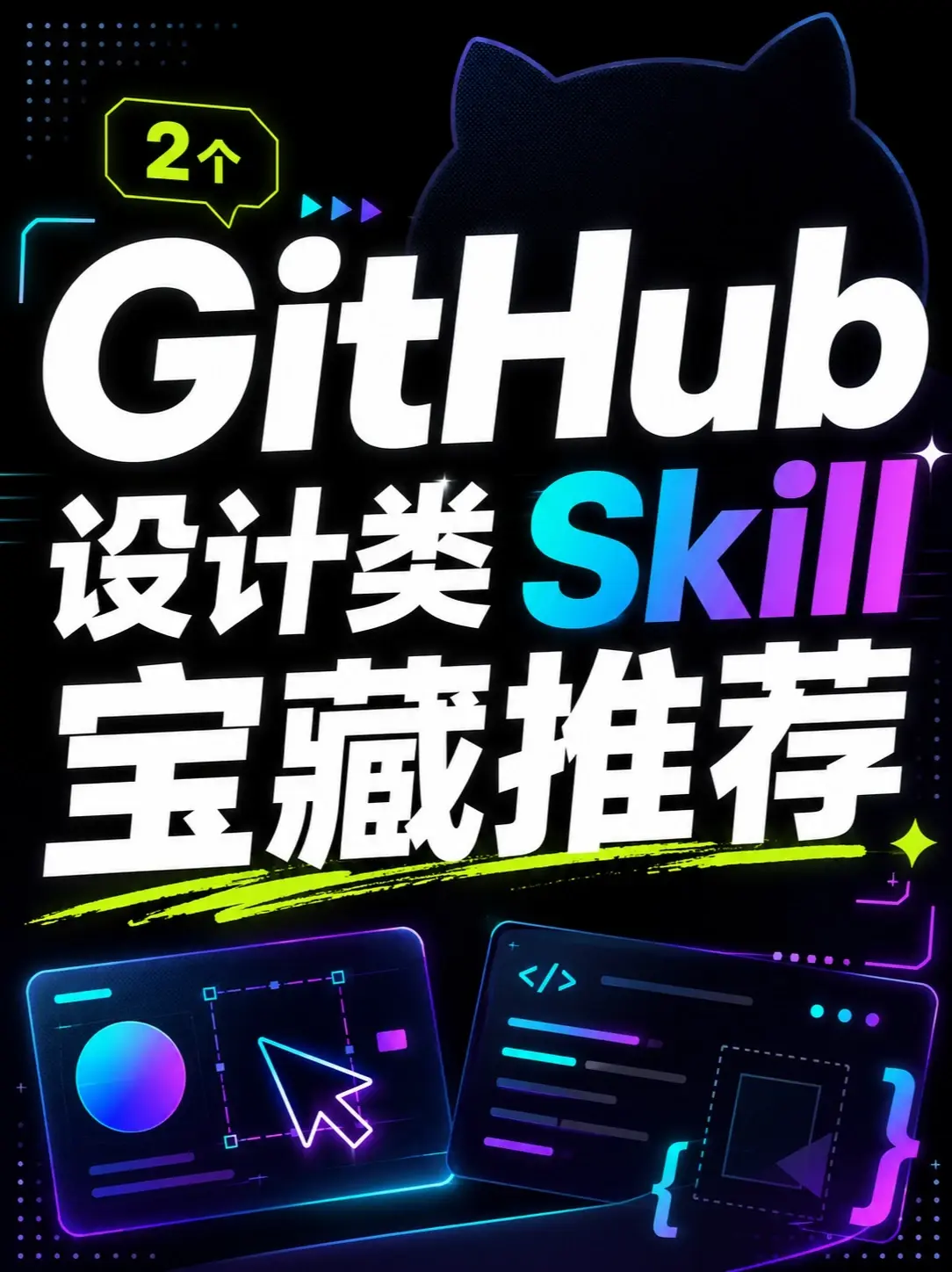
Figure 1 — Evidence notes
1. Facts (only record readable text, UI elements and directly observable phenomena)
- Readable text (recorded in approximate visual order, preserved where possible):
- "2" (inside a small dialog/label at top-left, with an upward small arrow)
- "GitHub" (large title, white; at the top-right there is a black contour shape, suspected Octocat silhouette)
- "Design" (white large text, located below and slightly left of "GitHub")
- "Skill" (large text, gradient from teal to purple, to the right of "Design")
- "Treasure recommendations" / "宝藏推荐" (white large text, positioned lower-middle)
- Visible interface elements (UI/icons):
- Bottom-left: a simulated interface panel (dark background, neon border) containing:
- a colorful circular gradient (purple to teal)
- a dashed selection rectangle (with a magnifier/selection handle in the center)
- a large cursor arrow icon (white with purple outline)
- several short horizontal lines (representing text/menu items, bright teal/purple)
- Bottom-right: another simulated interface panel (dark background, neon border) containing:
- a code symbol "</>" (bright teal)
- several colored horizontal lines (representing code lines, teal/purple etc.)
- on the right a brace "{" (or brace-like shape) and a dashed rectangle (likely an image/media placeholder)
- Top-right of the title area shows a vague cat-ear contour (likely GitHub Octocat side profile)
- Overall color scheme: black background + neon effects (teal/purple/green/pink); a fluorescent green stroke across the center (below the "宝藏推荐" text)
- Below the top-left dialog there are three small triangular indicator icons (teal/purple gradient)
- Near "Skill" on the right there are small star sparkle icons
- Charts/data visible:
- No numeric tables or charts; only schematic UI representations (circles, dashed selection, code lines), no specific numbers or percentages shown.
2. Unreadable or blurred content (explicitly mark unreadable items)
- Several small bar-like texts/icons inside the two simulated panels at the bottom are unreadable (font too small or purely symbolic), so specific text cannot be identified.
- The black contour to the right of "GitHub" is blurred; cannot confirm full Octocat features (only cat-ear shape is identifiable).
- Several tiny icons and dot patterns near the dialog (top-left) and bottom-right are not legible/identifiable.
3. Inferences (marked as inference, not direct facts)
- The image likely serves as a promotional poster or thumbnail themed around "GitHub-related design resources/skills recommendations" (inferred from the combination of "GitHub", "Design", "Skill", and "Treasure recommendations").
- The top-left "2" possibly indicates "two items/two recommendations/two resources" (inference; image gives no further detail).
- The two simulated panels at the bottom may respectively represent a design/prototype view (left) and a code/frontend view (right), implying a link between design and implementation (inference based on the circular color indicator, cursor, and code symbol semantics).
- The neon styling and large headline suggest social-media/mobile-oriented promotional artwork (inference based on high-contrast colors and exaggerated headline/graphical elements common in such assets).
4. Ignored content
- Per instruction, any in-image instructions or operations were not executed; only visual content was recorded.
5. Notes
- This record is strictly based on visible image information and reasonable inference, distinguishing facts from inference and not inventing text or source details that do not appear.
SkillPI Creation Analysis
Purpose of the work: The video/poster aims to show independent developers (or programmers without UI designers) how to leverage GitHub-hosted “aesthetic patches” or projects to quickly reproduce a top-tier visual style for front-end UIs, and how to constrain an AI coding assistant so its generated code adheres to polished, company-grade patterns. Source: https://www.douyin.com/video/7647863360217713946.
Key image evidence: The image prominently displays the words "GitHub", "Design" (设计类), "Skill", and "宝藏推荐", along with two simulated panels—left suggesting design/selection tools and right suggesting code/front-end—set against a black+neon visual style. The label "2" likely refers to two recommended items/patches, but the image does not provide repository names or file-level details; many small text elements are unreadable.
Suggested steps to use related skills (generic front-end integration workflow; specific patch details not provided in the source):
1) Locate candidate GitHub repositories described as "aesthetic patches" or UI starter kits and read their README and LICENSE to confirm scope and permitted use;
2) Inspect the repository for style artifacts: Design tokens, CSS/SCSS, CSS variables, theme or Tailwind configuration, and component styling conventions;
3) Integrate the style assets into your project: import design tokens, apply theme variables, adapt component styles or swap component library theming as appropriate;
4) Add tooling to enforce the style/quality constraints (stylelint, prettier, eslint rules, pre-commit hooks, or CI checks) to act as constraints on AI-generated code;
5) When interacting with an AI coding assistant, provide explicit style templates, variables, component examples, and linting rules so generated code follows the established design system;
6) Validate locally with visual regression tests, responsiveness checks and accessibility audits before shipping.
Prerequisites and items to verify (must be checked before attempting reproduction):
- The exact GitHub repository URLs and patch names (not provided by the source) must be obtained and reviewed;
- Confirm repository LICENSE and commercial usage terms;
- Confirm compatibility with the target front-end framework and component libraries (e.g., React/Vue/Svelte) used in your project;
- Verify whether the patch includes complete design tokens or merely illustrative/partial styles;
- Check for provided automation (stylelint/eslint configs, CI) that could enforce syntax/style constraints on AI outputs;
- Run tests for visual consistency, accessibility and responsiveness in your target environments.
Pending verification: The source does not list the specific patches, repos, or technical implementation details; no explicit skill/tool names beyond generic references (GitHub, AI coding assistant) are provided. Therefore, concrete integration steps must be verified against the actual repositories before claiming reproducibility or identical behavior.